
Managing internal tasks, looking after customers’ social media accounts, remote organisation or recording employees’ working hours: Agencies have a wide range of tasks and obligations. There are valuable tools to help you with all these tasks. An overview of agency software.
We would therefore like to present the most important tools for agencies in this article. After all, the tasks mentioned above no longer have to be carried out completely manually. The following tools support you with project work in agencies.
Key Takeaways
- The best agency software saves you time, automates processes, and brings structure to your daily workflow.
- Tools like Asana, Slack, and Zapier are standard equipment for many agencies; for WordPress projects, specialized hosting like Raidboxes is also worth considering.
- Small teams benefit from simple solutions, while larger agencies often need all-in-one systems.
- Always test tools in real-world work situations before making a decision.
- Don’t just focus on the price—consider how well the software fits your processes.
What criteria must agency software meet?
The right agency software determines how efficiently your team works. It’s not just about features, but about how well the software fits into your daily workflow. The clearer your requirements are, the easier it will be to make a choice.
Team size and structure
- How many employees currently work at your agency?
- Do you plan to grow in the coming years?
- Does your team work remotely or in the office?
Functionality
Do you need all-in-one agency software, or are specialized standalone solutions sufficient?
Which areas of the business need to be covered?
Are Gantt charts and Kanban boards important for your project work?
Technical requirements
- Do you prefer on-premises or cloud-based agency software?
- What are the requirements for GDPR compliance?
- What integration options do you need?
Budget and profitability
- What budget is available for agency software solutions?
- How quickly should the investment pay for itself?
Agency Software Comparison: Needs Vary by Agency Size
Not every agency is the same, which is why not every software solution works for everyone. A small design firm with three employees has completely different requirements than a large performance marketing agency with 50 employees.
Agency software for small agencies (up to 10 employees)
- Focus on ease of use and quick onboarding
- Specialized tools for design and project management are often sufficient
- Budget is usually limited, so value for money is important
- Less complex agency management required
Medium-sized agencies (10–30 employees)
- All-in-one solutions become more appealing
- Project controlling and transparency gain importance
- Various agency management processes must be coordinated
- Resource planning becomes more complex
Large agencies (30+ employees)
- Complex ERP software is often unavoidable
- Controlling and invoicing functions are essential
- Integration of various systems is important
- Standard tasks must be automated
The right balance between feature set and complexity
This is often the crux of the matter: Many agencies think they need the most comprehensive all-in-one agency software with every feature right away. But this often leads to chaos instead of increased productivity.
Start small and grow with it
Begin with the most essential agency management features.
Gradually add additional modules.
Make sure the software can scale with your business.
Avoid these common mistakes
Too many features overwhelm your team.
Complex operation costs time instead of saving it.
Lack of integration with existing tools creates additional stress.
Choosing the right agency tool: Practical tips for your decision
When comparing different agency software solutions, you should take a systematic approach:
1. Create a priority list
- Which features are absolute must-haves?
- What would be a nice-to-have?
- Which features do you definitely not need?
2. Test extensively
- Use free trial versions.
- Involve your team in the testing process.
- Test realistic scenarios from your daily work.
3. Think about the future
- Will the software still be a good fit in two years?
- Can it grow with your business?
- Are updates and support guaranteed in the long term?
4. Calculate the total cost
- Don’t just consider the license costs
- Plan for onboarding time and training
- Take into account potential additional costs for integrations
Specific Requirements for Different Types of Agencies
Social Media Agencies
- Content calendars and planning tools
- Approval workflows for posts
- Reporting and analytics integration
- Direct access to social media platforms
Design and Creative Agencies
- Integration with design tools
- Presentation options for clients
- Version control for designs
- Easy quote creation
Performance Marketing Agencies
- Detailed project management
- Integration with analytics tools
- Automated reporting
- Managing complex schedules
Finding the right agency tool isn’t a sprint—it’s a marathon. Take the time to honestly assess your needs and thoroughly test different solutions. Your future self will thank you for not suffering under the stress of poorly chosen software, but instead having more time for what really matters: delivering great work for your clients.
To save you the trouble of sifting through countless providers, we’ve put together a curated selection of tools for you in the next section.
Project management tools
Project management tools are the foundation of any well-organized agency: they help you manage projects, assign tasks, and keep track of everything.
Asana
Asana is one of the most widely used project management tools in the world, and for good reason. Whether it’s design requests, development projects, editorial schedules, or internal meetings, Asana lets you clearly map out any type of project and keep track of the status of every single task.

Status updates can be entered quickly and easily, without having to navigate through lengthy menus. This way, your team always knows where a project stands and who’s next in line.
Best suited for: Agencies that work on multiple projects at the same time and want to keep track of everything. Especially effective when many people are involved in a project and clear responsibilities are required.
monday
Another successful project management software for agencies is monday. The tool offers teams great support in planning, communicating and tracking projects. From the initial briefing to the final completion, everything can be monitored with the help of this software.

monday provides you with a range of useful features such as project and resource planning, client management, team collaboration, time tracking, reporting and invoicing. Work can be fully managed and planned in one workspace. With this software, you’ll be ready to get started within minutes. There are also hundreds of visual and customisable templates for you to use.
Best suited for: Agencies that want to manage as many processes as possible within a single tool. Particularly well-suited for teams that value a visual overview, flexible customization, and a short learning curve.
Communication in the agency
With successful communication in your agency and in your team, all problems can gradually be discussed and solved. There is software that facilitates this communication and better connects all team members.
Planning WordPress projects: From requirements to implementation
We spoke with Ben Hutchison-Bird from NINE Brackets about key strategies for translating client needs into successful WordPress and WooCommerce projects.
Slack
Slack is probably the most well-known communication tool in everyday agency life. Your team communicates in clearly organized channels that you can arrange by project, client, or topic. Messages to individuals or groups can be sent in seconds, and the search function makes it easy to find even older conversations at any time.
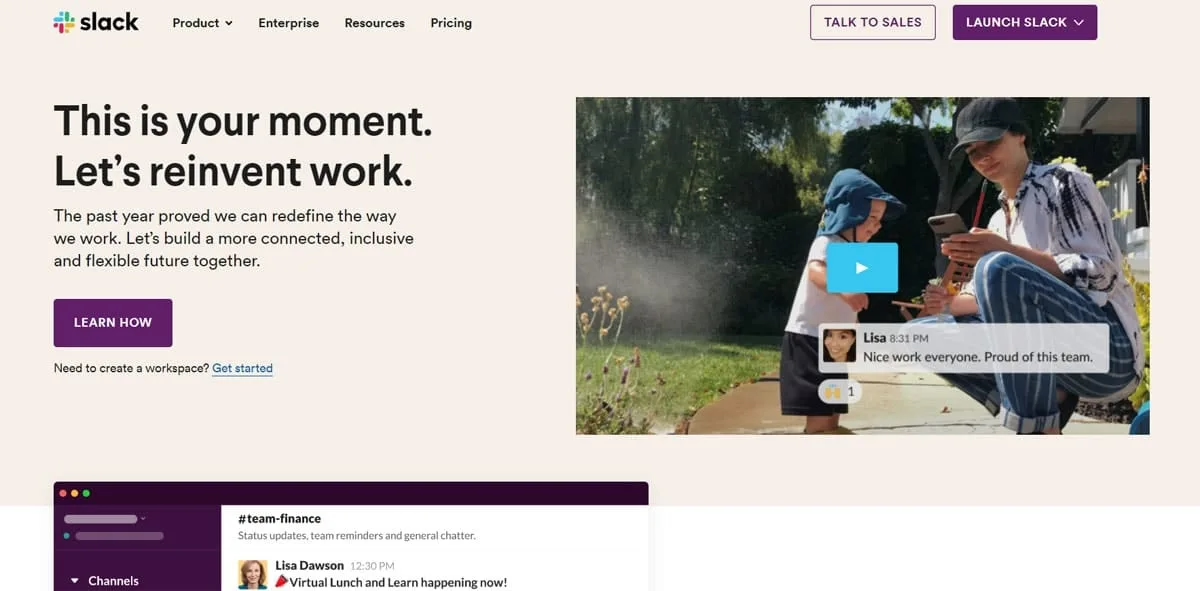
What really makes Slack so powerful is its ecosystem of integrations. You can connect virtually all the tools you already use. For example, if you publish a new blog post on WordPress, your team can automatically receive a notification in Slack. This allows you to consolidate information from various tools in one place and saves you from constantly switching between applications.
Best suited for: Agencies looking to centralize their team communication. Essential for remote and hybrid teams.
Slack for remote work
At Raidboxes, we have been using Slack for communication in distributed teams for quite some time. We share our experiences in this post: Home office tools for remote work.
Microsoft Teams
Microsoft Teams is more than just a video call tool. Chats, threaded conversations, video conferences, calls, and collaborative document editing—everything comes together in a single interface. Those who already work with Microsoft 365—that is, Word, Excel, Outlook, and the like—benefit particularly, as Teams integrates seamlessly into this environment. Additionally, apps and workflows can be created and integrated directly within the platform, which significantly simplifies recurring processes.
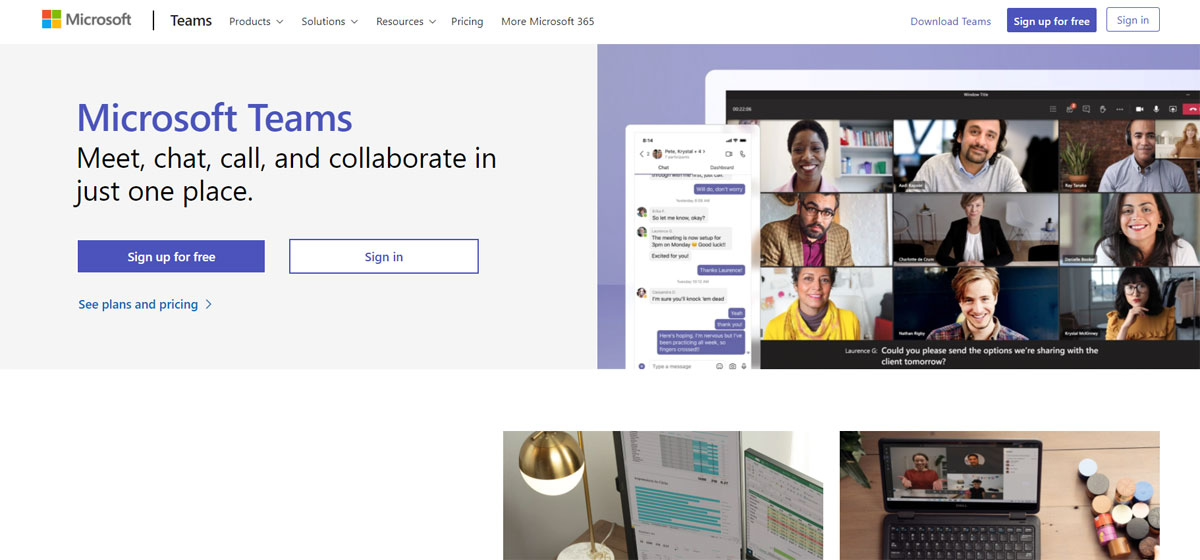
Customers and external partners can easily be invited to meetings or even their own channels without needing a full account themselves.
Best suited for: Agencies that already work within the Microsoft ecosystem and want to consolidate communication, file storage, and collaboration into a single platform.
Time recording
Reliable time recording is important for payroll accounting and creating invoices. The following software helps you to guarantee that time tracking works reliably and error-free for all employees and service providers.
clockodo
With clockodo, you can track all employees’ work and project hours accurately and in real time. What makes it special is that the recorded project hours are automatically incorporated into your invoicing. No manual data entry, no manual recalculations—just track and bill.

It also offers intuitive controls, clear reports, an interface with payroll accounting, and reliable CSV export. Vacation and absences can also be planned and managed directly within the tool.
Best suited for: Agencies that want to accurately track their project hours and make the transition from time tracking to invoicing as seamless as possible.
timr
timr offers the most accurate project time recording using a stopwatch. Project times can also be recorded retrospectively. A freely definable project structure gives you the flexibility you need. You can manage hours, employees and your budget in the live overview. There are meaningful analyses and solid reports.

All recorded times are securely stored in the cloud and can be accessed via the app even when you’re on the go. A practical feature is that all recorded times are stored securely in a cloud. The current project time data can always be used to make informed decisions. Expenses can be created, moved, merged and deactivated.
Best suited for: Agencies that need flexible and accurate project time tracking and want to enable their employees to work remotely.
Workflow automation
With the help of workflow automation, you can save a lot of time and therefore money. Automation makes it easier to implement individual work steps in your team.
WordPress hosting management
With our Raidboxes dashboard, you get a seamless, intuitive interface that makes managing your WordPress sites easier, faster, and more efficient. Check it out!
Zapier
Zapier is one of the most well-known automation tools out there and a real game-changer for agencies. The concept is simple: you connect two or more apps and specify what should happen when a certain event occurs. A new lead in your CRM? Zapier automatically creates a task in Asana and notifies your team in Slack. No coding knowledge required.
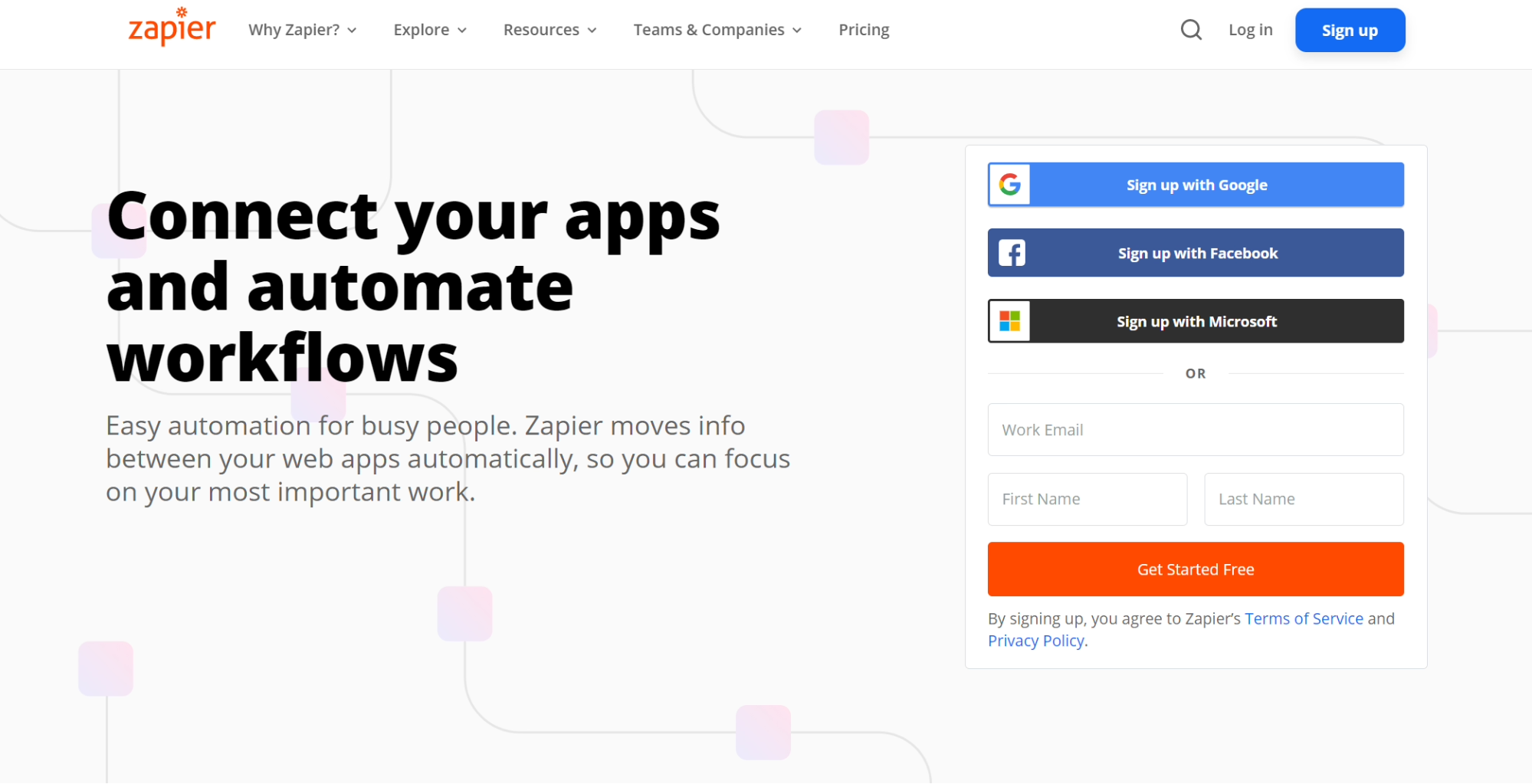
Over 1,000 apps can be connected to Zapier, from Google Workspace and monday to WordPress. This saves a tremendous amount of manual work and reduces the risk of errors, especially for agencies that use many different tools.
Best suited for: Agencies that want to automate recurring processes between different tools but don’t have developers on their team.
Make
Make goes a step further than traditional automation tools. Instead of simple if-then rules, you can visually build complex data flows without any programming knowledge. The graphical interface shows you exactly how information flows from one app to the next, making troubleshooting much easier.
It supports many popular cloud applications such as Outlook, Asana, WordPress, Dropbox, LinkedIn, and Facebook. Here’s an example from everyday agency life: When an email with an important attachment arrives, Make can automatically save it to the correct project folder and simultaneously create a task in the project management tool. This saves you valuable time every day so you can focus on the work that really matters.
Best suited for: Agencies with more complex automation needs that want to tightly integrate multiple tools and map nested processes.
Analytics and tracking software
If you work for clients, you need to deliver results—and that means understanding data and interpreting it correctly. With the right analytics software, you can get a clear picture of your clients’ online performance and make data-driven decisions.
Google Analytics
Google Analytics is the most widely used tracking tool in the world and the go-to choice for most agencies. It analyzes website traffic and provides detailed insights: Where do visitors come from? How long do they stay on which pages? Which content works, and which doesn’t?

The data set is vast. Whether you want to know which pages generate the most customers or which articles receive very few visits, with the right settings, you can uncover exactly what you need to make informed optimization decisions.
Best suited for: Agencies that want to analyze and optimize their clients’ online performance using data-driven insights.
Hotjar
While Google Analytics tells you what’s happening on a website, Hotjar shows you why it’s happening. The tool analyzes visitor behavior on a website in detail: Where are users clicking? How far do they scroll? Where do they leave the site? Heatmaps and session recordings make this behavior visible and help you quickly identify pain points on your clients’ websites.
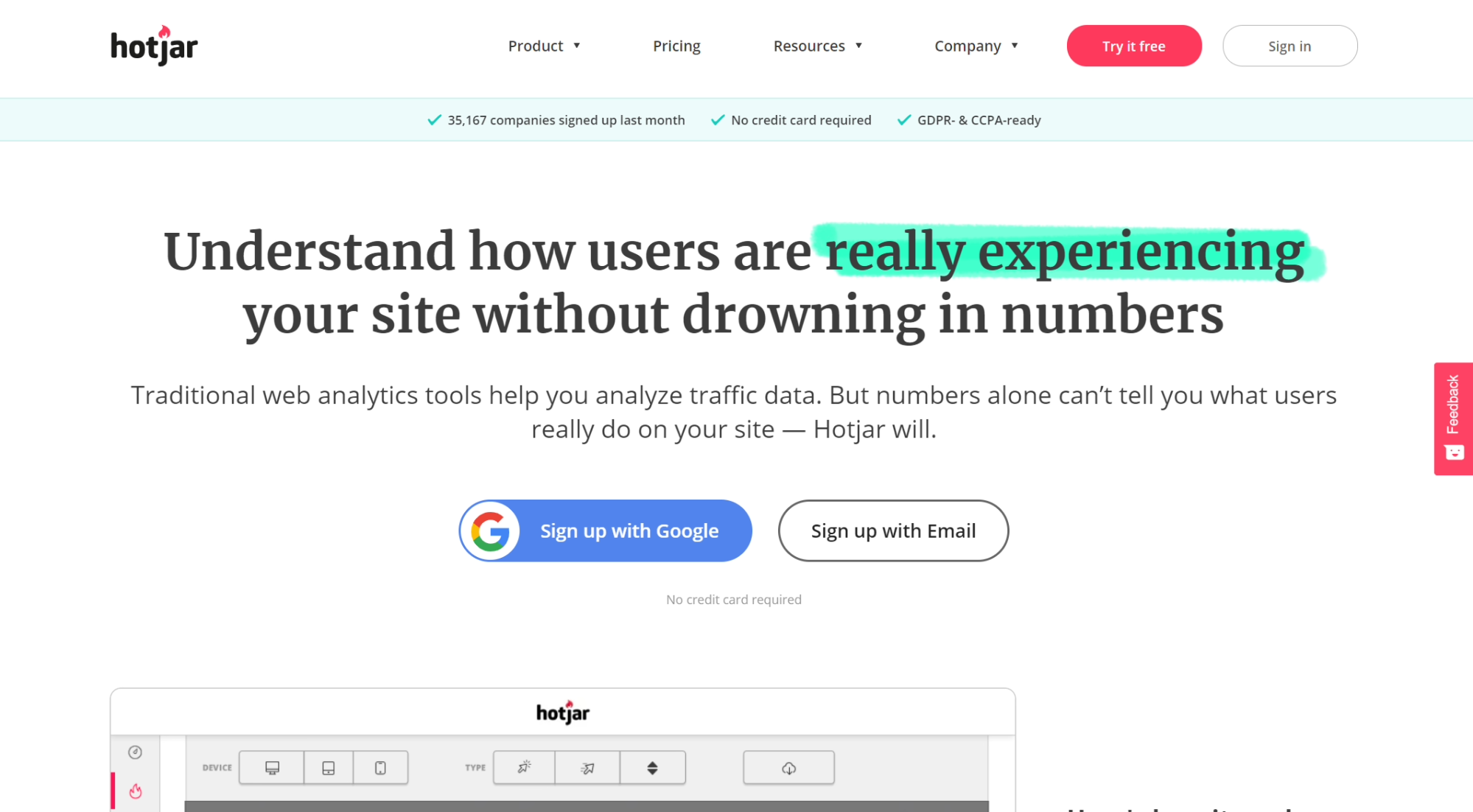
In addition, Hotjar lets you gather direct feedback from visitors, for example through short surveys or feedback widgets.
Best suited for: Agencies that don’t just want to analyze numbers, but truly want to understand how users behave on their clients’ websites.
Social media management tools
If you manage your customers’ social media profiles, you won’t be able to avoid social media management tools. They help you to manage different accounts in one software.
Hootsuite
Hootsuite allows you to manage all your customer accounts from one place. With Hootsuite, you can schedule posts in advance, monitor the performance of all social media activity from one centralised location and even collect customer approvals. Pricing varies depending on how many customer accounts you manage.
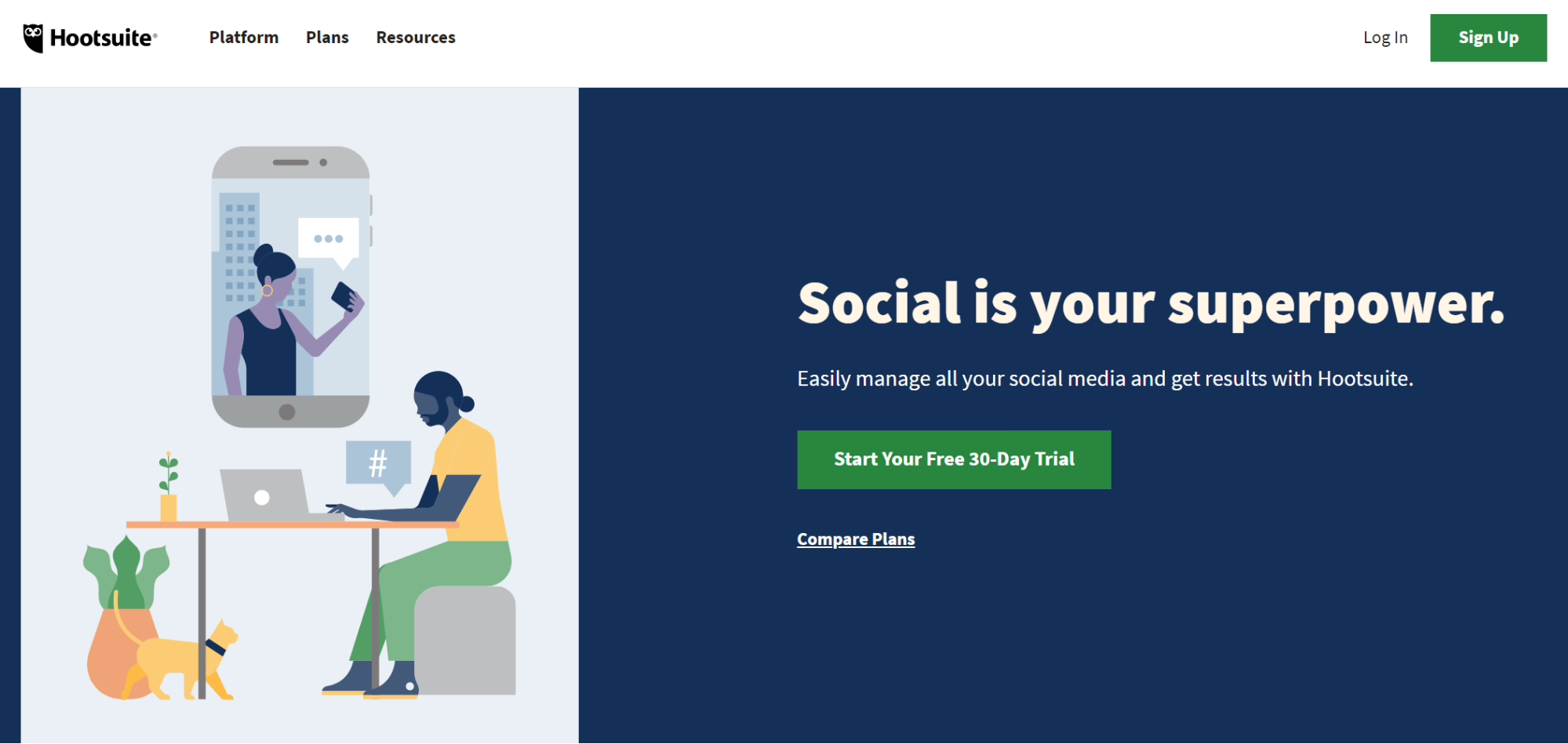
The plans are tailored to the number of client accounts you manage.
Best suited for: Agencies that manage multiple client accounts simultaneously and want to handle planning, monitoring, and client approvals all in one tool.
Agorapulse
Agorapulse is a social media management platform that allows you to set up a social inbox for all your customer accounts. These boxes record all conversations on social media. Practical filter and search functions give you quick access to interactions of all kinds. Mentions, adverts and important messages are always available. Of course, you can also schedule posts for your customers and get their approval and feedback.
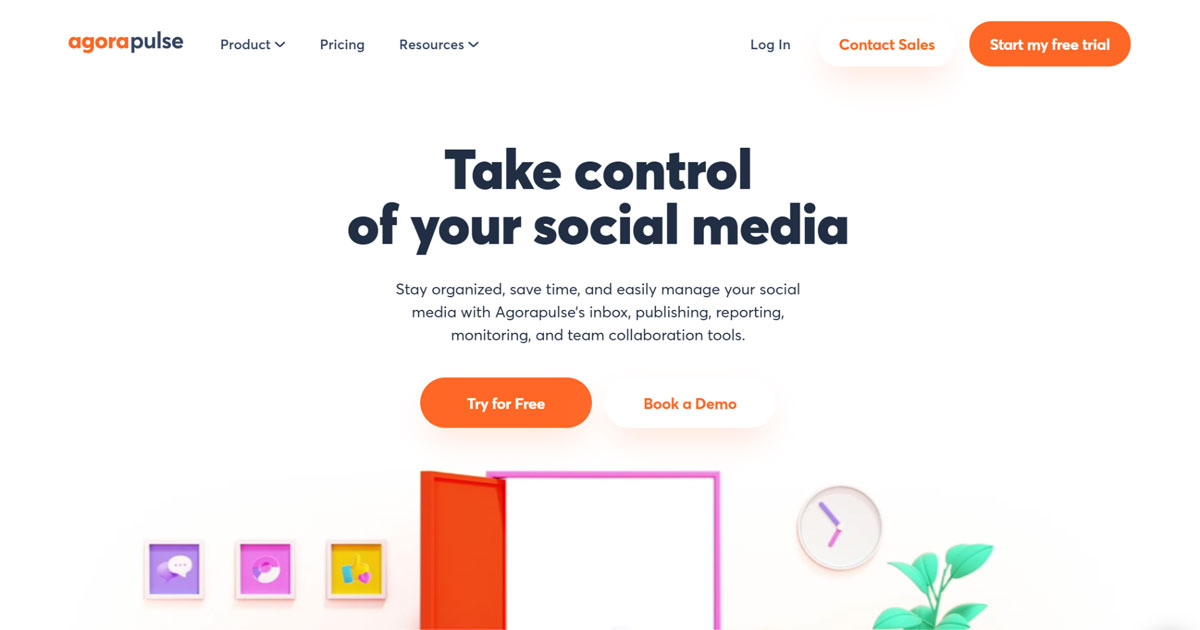
Of course, you can also schedule posts here and get approvals and feedback from clients.
Best suited for: Agencies that handle community management for their clients in addition to planning and don’t want to miss a single interaction.
SEO Tools
Do you help your customers with their search engine optimisation? You should know the following tools. For WordPress SEO plugins themselves, see the comparison Yoast vs Rank Math: WordPress SEO plugins in comparison.
SEMrush
SEMrush is a popular SEO platform that enables targeted SEO (search engine optimisation) and content marketing. With SEMrush, you can conduct your keyword research and analyse competitors in depth to be inspired by their strategies. SEMrush also offers you a practical rank tracker for your customers’ important keywords. The tool helps you to create on-page audits for your customers’ websites.
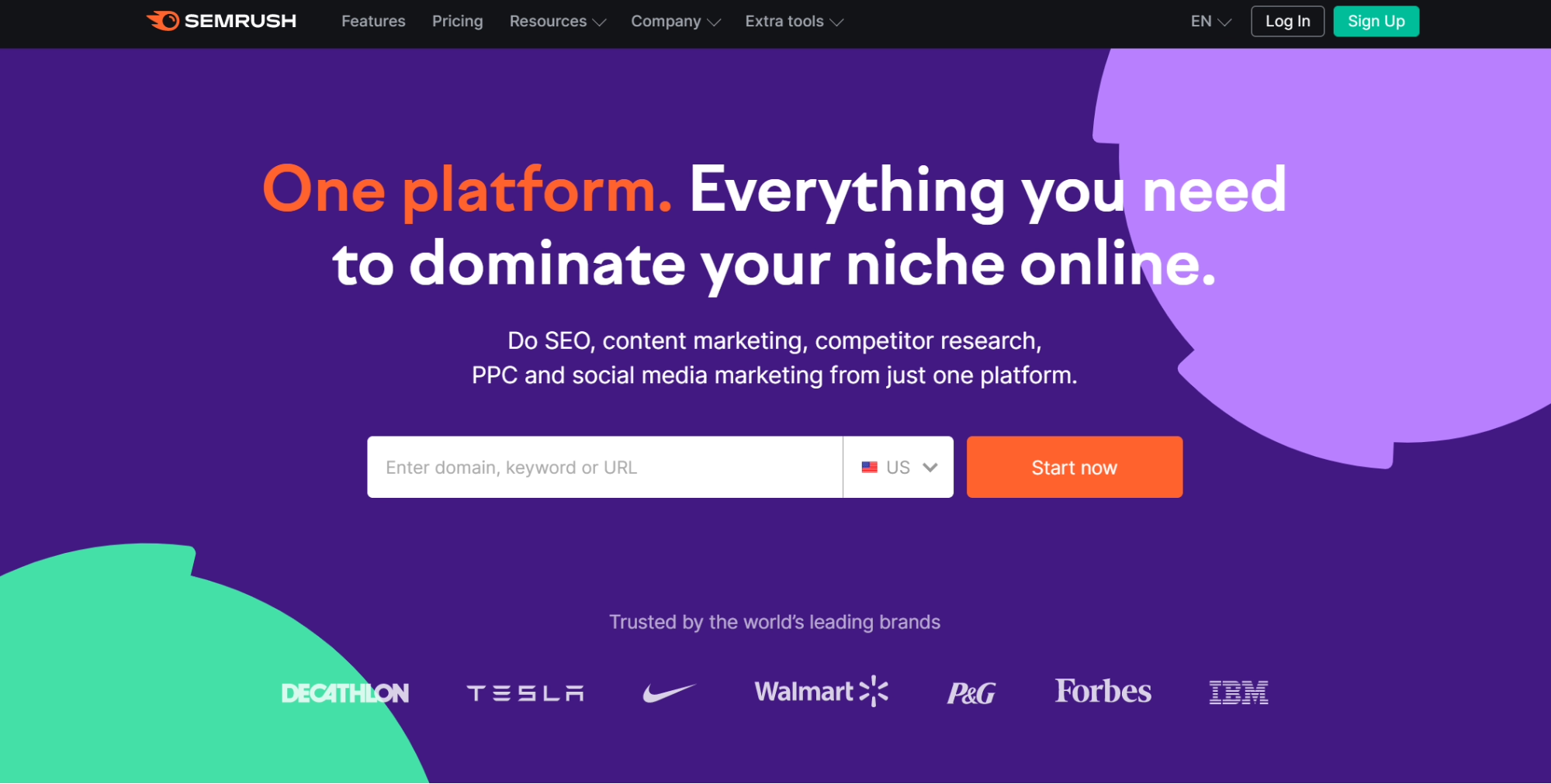
Particularly useful for agencies is the ability to manage multiple client projects simultaneously and generate clear reports on their performance.
Best suited for: Agencies that provide comprehensive SEO and content marketing services and want to consolidate all key functions into a single platform.
Ahrefs
The popular SEO software Ahrefs is best known for its large and up-to-date keyword and traffic database. Ahrefs offers you extensive tools to search for keywords and analyse competitors. Ahrefs also has a rank tracker function and can perform basic SEO audits.

Best suited for: Agencies that, in addition to traditional keyword research, primarily focus on link-building consulting and need a reliable database for that purpose.
WordPress Hosting
Good hosting is the foundation of every successful WordPress website. Too many agencies underestimate this and are then surprised by slow loading times, security issues, or frustrated customers. Professional WordPress hosting starts exactly where cheap mass hosting ends.

At Raidboxes, we offer managed WordPress hosting that’s specifically tailored to the needs of agencies and freelancers. That means top-notch performance, reliable security, and a support team that can really help you out—without you having to worry about the technical details.
Best suited for: Agencies and freelancers who want to host WordPress projects professionally and offer their clients top-notch performance and security.
Managed WordPress Hosting
With our Managed WordPress hosting, you get a powerful, secure and easy-to-manage solution that quickly and reliably takes your WordPress project to the next level. Check it out!
PPC Management Software
If you place adverts for your customers, you can do this manually in the interfaces of the respective platforms (Google, Facebook, etc.). Alternatively, you can also use PPC (pay per click) software to simplify this process. And to bundle several customer accounts in one place.
Upselling, cross-selling & measuring success
Discover how to effectively measure and boost cross-selling opportunities with actionable strategies tailored for agencies and freelancers on the Raidboxes blog.
Optmyzr
Optmyzr helps you optimize your PPC campaigns with ease. The “One-Click Optimization” feature lets you improve your ads with just a single click, providing new keyword suggestions or optimizing your keyword bids, for example. The tool also lets you create your own ads and then place them.
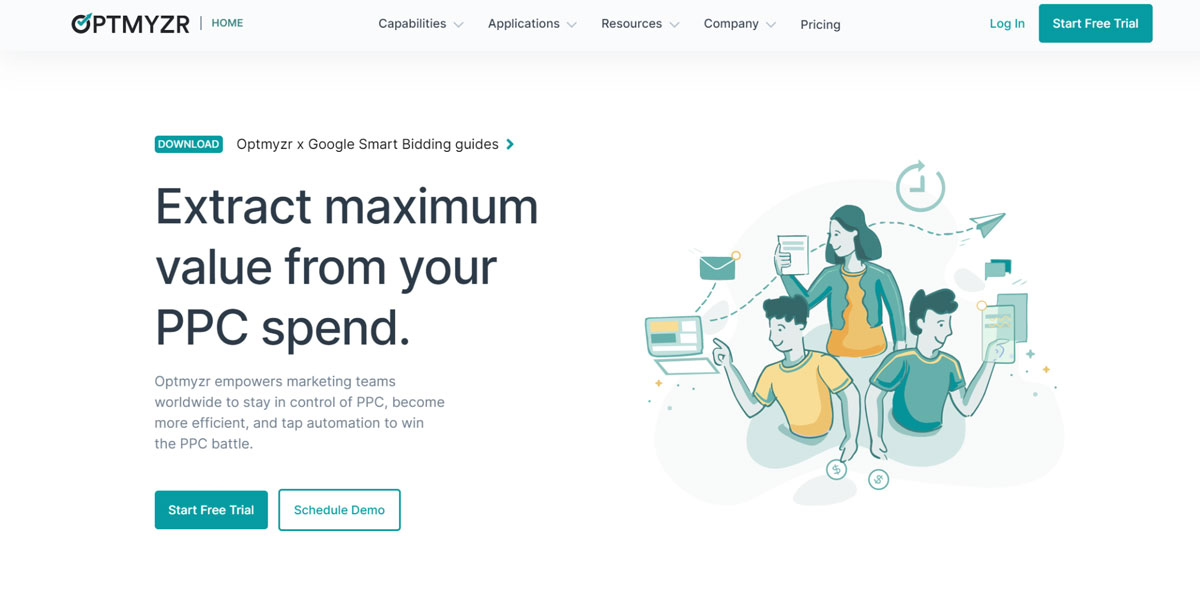
Best suited for: Agencies that manage Google Ads campaigns for multiple clients and want to save time on ongoing optimization.
WordStream
WordStream is a practical PPC toolbox and offers you, among other things, a free report on all your Google Ads performance. Especially for agencies, WordStream also offers AI-based reporting for your clients as well as help with managing multiple ad accounts.

Best suited for: Agencies that provide their clients with professional PPC reporting and want to efficiently manage multiple accounts in one place.
Webinar software
Webinars are becoming increasingly popular. Many agencies are helping their clients to utilise this relatively new form of content marketing. Practical webinar tools can help to optimise the underlying processes.
ClickMeeting
With ClickMeeting, you can set up your first webinar in just a few minutes. The tool covers everything you need: landing pages, email notifications, interactive presentations, and post-event analytics. Everything can be customized to match your clients’ corporate branding, which is especially important for agencies that host webinars under a client’s name.

Best suited for: Agencies that want to set up webinars for their clients quickly and with minimal technical effort.
WebinarJam
WebinarJam is an all-in-one webinar platform that is also suitable for a large number of participants. The tool can be used to reach thousands of listeners and provide them with high-quality video content. The software offers all the important functions required to run a webinar from start to finish on a single platform.

Best suited for: Agencies that plan large-scale webinars with many participants for their clients and need a stable and scalable solution.
Implementing agency software: How to ensure a smooth launch for your team
The best agency software will only deliver real benefits if your team actually uses it. That’s why it’s important to prepare thoroughly for the implementation and tackle it together.
Step-by-step guide to a successful rollout
Before you begin, clarify internally which agency processes need to be mapped out. Is it just about task allocation, or does it also include incoming invoices, time tracking, and project planning?
Then create a concrete plan:
- Define clear responsibilities. Who will handle setup and onboarding?
- Start with a core team that tests the software in real-world agency operations.
- Document your experiences and prepare a simple training session for everyone.
- Communicate openly about why the software is being introduced and what benefits it offers.
Conclusion: Which business software is right for you
You won’t find the right agency software overnight, and that’s perfectly fine. More important than making a quick decision is taking an honest look at your current situation: Which processes do you want to streamline? Where do you lose the most time today? Only once you know that does it make sense to evaluate specific tools.
Maybe you need support with project management above all else. Maybe your biggest problem lies in time tracking or client communication. The answer to that determines which software is truly right for you—not the other way around.
In the end, one thing matters: The best agency software is the one your team actually uses. If it fits your workflows, it brings more structure, saves time, and makes daily work a whole lot easier.
Frequently asked questions about agency software
What is agency software, and why do I need it?
Agency software helps you efficiently organize projects, client data, and internal workflows. It brings structure to your agency’s operations and helps you plan tasks, track time, and streamline processes.
How do I find the best agency software for my agency?
Start with a clear requirements profile. Use our Agency Software Guide to narrow down suitable tools. Pay attention to features, usability, and whether the software fits your team structure.
Is there agency software that covers everything?
Yes, some providers cover a wide range of features. An all-in-one solution can be useful if you want to centrally bundle tools for project planning, invoicing, and client data. Always test it before purchasing.
When is it worth implementing agency software?
As soon as Excel is no longer enough or you feel like you’re losing track of tasks and processes. The right time is often when you want to create more clarity and transparency within your team.
Does agency software really help with decision-making in the company?
Yes. A good agency solution provides you with all relevant data at the project level: time tracking, project costing, and related third-party services. This allows you to make informed decisions even under time pressure, rather than groping in the dark.
Which software is best for setting up a more effective project management system?
That depends on your goals. When setting up a structured project management system, we recommend starting with an agency solution that combines teamwork, data tracking, and project costing all in one program.
Your questions about tools for agencies
What questions do you have about the agency software presented? Which tools can you recommend? Please feel free to use the comment function. For more insights on WordPress, web design or online business, follow Raidboxes on Facebook or LinkedIn – or subscribe to our newsletter.


Leave a Reply