

Are you looking for a theme foundation for your customer projects that not only looks good today, but will still be maintainable and performant in two years’ time?
In this guide, we have compiled what we consider to be the 15 best WordPress themes (+4 bonus classics) and report from our own experience on features, pricing models, technical performance, scalability, management and design efficiency.
Key takeaways
Which theme is best for you depends on your area of application, your technical knowledge, design skills and the number of websites you have.
- You want the best ratio of speed and design efficiency: Kadence, Blocksy and Astra are excellent all-rounder themes.
- You want maximum performance: use GeneratePress. But plan time for the design.
- You build a shop: Flatsome is specialised, Kadence Pro is the modern alternative.
- You want maximum visual freedom without code: Divi remains the top dog, but needs excellent hosting for good loading times.
The Best Free WordPress Themes
Are you looking for a stylish yet fast WordPress theme, but only want themes that are 100% free and have no hidden costs? In our article The 9 Best Free WordPress Themes 2026 we’ve reviewed what we consider to be the best themes that you can download and use for free.
The feature power packs
These themes use the familiar Customiser, but are deeply integrated with the block editor. They offer the perfect balance of familiar control and modern performance. Ideal for quick work without in-depth technical tinkering.
1. Kadence: The all-round champion

Our test winner is Kadence. The theme offers a great symbiosis of high-end performance, first-class design speed and a useful range of functions for modern workflows.
Link to the Kadence website | Kadence on WordPress.org
Installations: 500,000+
Rating on WordPress.org: 4,9/5 stars.
Strengths / Features:
- First-class visual header/footer builder for complex navigation structures without code
- Intelligent global colour palettes that enable a complete branding change in just a few clicks
- Kadence Cloud Integration: Create your own design libraries and import them into new projects.
- Enormous selection of professional Gutenberg patterns.
- Performance focus: Intelligent loading means that only CSS resources that are actually needed are loaded. This ensures better values for the Core Web Vitals.
Weaknesses:
- The wealth of Pro options and setting options requires some familiarisation time and can be overwhelming at first.
- Lock-in: Once you get deeper into Kadence and make intensive use of the special Pro Blocks or Dynamic Content features, you become strongly committed to the Kadence ecosystem
- Kadence is a giant with which anything is possible. You have to ask yourself whether you really need this scope.
Pricing model:
- Free basic version
- Express (up to 3 websites): 69$ / year
- Plus (up to 10 websites): 169$ / year
- Ultimate (up to 25 websites): 299$ / year
- Ultimate (up to 1,000 websites) $399 / year
- Alternative Lifetime Option for a one-time fee of $899 for up to 25 websites or $999 for up to 1,000 websites
Which features are only available with the Pro version?
Depending on the pricing model, there are more features and more AI credits. The Pro features include special fonts and blocks, custom icons, an AI page generator, header and navigation add-ons, advanced forms and sliders, WooCommerce add-ons and optimisations.
Gutenberg compatibility:
Excellent. Kadence lives in the block editor.
Page Builder compatibility:
Very good, but is mostly used with our own cadence blocks to avoid unnecessary code overhead.
Who is the theme suitable for?
Agencies and professionals who want to build complex customer websites with high design flexibility and maximum speed at the same time.
Agency Check
| Criterion | Points | Comment |
|---|---|---|
| Performance potential | 9/10 | Very fast performance with intelligent optimisation options |
| Maintainability | 9/10 | The code structure is very clean. |
| Future security | 10/10 | Massive development and community growth. |
| Workflow management | 10/10 | Sensible licence management and template cloud. |
| Design efficiency | 10/10 | Extremely fast time-to-result. |
Do you already know the Raidboxes AI Site Assistant?
With our Raidboxes AI Site Assistant, you can create your website in just a few steps – without any technical stress. Whether it’s a business website, shop or portfolio: You enter your prompt and the AI delivers the design, structure and content. Test the new AI Site Assistant now!

2. Blocksy: The most modern user experience

Blocksy is the UX masterpiece among themes. While other themes often appear technically sober, Blocksy feels like a modern software app in the backend. It is the first choice for agencies that build innovative and visually impressive sites for clients with maximum ease of use.
Link to the Blocksy website | Blocksy on WordPress.org
Installations: 300.000+
Rating on WordPress.org: 5/5 stars.
Strengths / Features:
- React-based customiser: The fastest live editor on the market. Settings are applied without delay, which massively accelerates design feedback.
- Performance through code splitting: Blocksy only loads the JavaScript that is needed for the components of the page that are actually used.
- Content blocks (hooks): Similar to GeneratePress, but with a much more visual solution. You can create your own designs and play them out at any point (header, footer, single post) using conditions (e.g. “only under the second paragraph in category X”).
- Deep WooCommerce integration: High-end features such as quick view, floating cart and off-canvas filters are included natively.
- Modern design system: Blocksy comes with native features such as mega menus, sticky sidebars and innovative mobile headers, for which you would otherwise often need 3-4 additional plugins.
- GDPR-ready: Exemplary and partly fully automatic data protection functions save time and nerves. Functions such as the local integration of Google Fonts or cookie consent support are deeply embedded in the core.
Weaknesses:
- Strong design stamp: Blocksy has a clear visual language (very modern, clean). It takes a little more work to completely abandon this “Blocksy feel” if a customer wants a very conservative design.
- Resource starvation in the backend: As the Customiser is based on React, it needs a little more RAM in the backend. In low-cost shared hosting tariffs, the backend can sometimes seem a little sluggish as a result.
Pricing model:
- Free basic version.
- Staff (1 website): 69 $ / year
- Business (10 websites): $99 / year
- Agency (Unlimited Websites): 149 $ / year
- Alternative Lifetime options: Personal($199), Business($299), Agency($499).
Which features are only available with the Pro version?
Content blocks (pro hooks with visual conditional logic), white labelling for agencies, Adobe Typekit & custom fonts, Advanced Mega Menu, multi-sidebar support, Google Fonts hosted locally (automated).
Gutenberg compatibility:
Exemplary. The theme uses Gutenberg as a fully-fledged design tool.
Page Builder compatibility:
Excellent (Elementor, Brizy), whereby the Blocksy Pro features already replace many builder functions natively.
Who is the theme suitable for?
Agencies that create modern brand websites or high-end shops and value an intuitive, visual backend.
Agency Check
| Criterion | Points | Comment |
|---|---|---|
| Performance potential | 9/10 | Very efficient output. |
| Maintainability | 9/10 | Very cleanly programmed. |
| Future security | 10/10 | Steadily growing, modern base. |
| Workflow management | 9/10 | Unlimited licence & white labelling in the agency tariff. |
| Design efficiency | 9/10 | Very intuitive and quickly smart. |
Have you heard of Raidboxes hosting yet?
Try Raidboxes – currently with a 50% discount
Try Raidboxes for up to 14 days for free with a copy of your website – and get 50% off when you switch to Raidboxes.
3. Astra: The flexible all-rounder

Astra is one of the best-known themes for WordPress and is a real lightweight with less than 50 kB in the frontend view. With Astra, you can work with Gutenberg as well as well-known page builders such as Elementor. It is the choice for agencies that want to achieve “efficiency through volume”. It offers the largest ecosystem of templates and AI support.
Link to the Astra website | Astra on WordPress.org
Installations: 1 million+
Rating on WordPress.org: 4.9/5 stars.
Strengths / Features:
- Gigantic template library: Over 1,000 starter templates for almost every niche.
- AI automation (ZipWP): Enables the generation of complete website designs including content in record time.
- Maximum flexibility: Seamless integration with all major page builders and our own editor Spectra.
- Lightweight core: One of the first themes to consistently do without jQuery. Astra’s code is kept very simple. This ensures fast loading times and very good core web vitals.
Weaknesses:
- Aggressive upselling: A lot of self-promotion in the backend, which can be disruptive for customer projects.
- Feature bloat in the Pro menu: Due to the sheer number of options, the backend can appear confusing.
Pricing model:
- Free basic version
- Astra Pro (3 websites): 69$ / year
- Astra Pro (1,000 websites): $89 / year
- Essential Toolkit (3 websites): 119$ / year
- Essential Toolkit (1,000 websites): 199$ / year
- Business Toolkit (3 websites): 209$ / year
- Business Toolkit (1,000 websites): 269$ / year
- Lifetime options (varying discounts): From $319 (Astra Pro / 3 sites) to $999 (Business Toolkit / 1,000 sites).
Which features are only available with the Pro version?
Sticky header, white labelling, custom layouts, extended WooCommerce options, page header builder.
Gutenberg compatibility:
Very good (especially with the Spectra plugin).
Page Builder compatibility:
The industry standard for Elementor and Beaver Builder projects.
Who is the theme suitable for?
Agencies with high project volumes that need standardised processes and maximum template selection. The Astra theme is suitable for all types of websites. Thanks to WooCommerce support, it can also be used to build shops.
Agency Check
| Criterion | Points | Comment |
|---|---|---|
| Performance potential | 8/10 | Fast, but be careful with too many modules. Unused modules must be deactivated. |
| Maintainability | 8/10 | The sheer size guarantees long-term support. |
| Future security | 10/10 | The global market leader will not disappear. |
| Workflow management | 10/10 | Strong licence conditions for large agencies (1,000 websites). |
| Design efficiency | 10/10 | Very time-saving thanks to the template mass. |
The performance champions
These themes provide an extremely lean skeleton. They are unbeatably fast, but require you to build features such as headers or shop layouts yourself in a modular fashion.
4. GeneratePress: The speed winner

For agencies that prioritise performance above all else and want to retain full control over the code output, GeneratePress remains the measure of all things. It is not a classic theme, but a high-performance framework.
Link to the GeneratePress website | GeneratePress on WordPress.org
Installations: 500.000+
Rating on WordPress.org: 5/5 stars.
Strengths / Features:
- Unrivalled performance: With a base file size of less than 10 KB and the complete absence of jQuery, GeneratePress is one of the fastest themes on the market.
- The “Elements” system: The centrepiece for professionals. It allows you to insert content, hooks, headers and layout rules anywhere on the website without having to write a single line in the child theme.
- Extreme stability: GeneratePress is considered the “unbreakable” theme. It follows the WordPress standards so strictly that there are almost never any conflicts, even with major core updates.
- GenerateCloud (New 2026): Save design elements in a private cloud and synchronise them across projects.
Weaknesses:
- Visually very plain in its raw state. It requires design vision or preparatory work.
- Technical learning curve: Less intuitive for pure drag-and-drop designers.
- Dependence on GenerateBlocks: In order to achieve modern design efficiency in the Gutenberg editor, the additional plugin GenerateBlocks (from the same developer) is virtually mandatory
Pricing model:
- Free basic version: Very limited, more for testing the speed.
- GP Premium (500 websites): 59$ / year
- GeneratePress One (500 websites): 149$ / year (includes GP Premium, GenerateBlocks Pro and the Template Cloud).
Which features are only available with the Pro version?
The Elements module (hooks, layouts), the full site library (starter templates), WooCommerce customisations, secondary navigation menus and advanced typography control.
Gutenberg compatibility:
Exemplary. Together with GenerateBlocks, it offers the cleanest and most stable Gutenberg experience on the market.
Page Builder compatibility:
Possible without any problems, but technically often redundant, as the aim of GeneratePress is precisely to avoid heavy builder code.
Who is the theme suitable for?
Tech purists, agencies for high-performance business sites and content heavyweights (magazines/blogs) who need maximum speed for the best possible Core Web Vitals results.
Agency Check
| Criterion | Points | Comment |
|---|---|---|
| Performance potential | 10/10 | The physical gold standard for WordPress. |
| Maintainability | 10/10 | Minimal susceptibility to errors during updates. |
| Future security | 10/10 | Adheres strictly to the WordPress core. |
| Workflow management | 9/10 | Top thanks to 500-website limit and cloud module. |
| Design efficiency | 6/10 | A lot of “manual work” without your own patterns. The template cloud makes the work easier, but has to be set up initially. |
5. Genesis Framework: The foundation for developers

Genesis is not a theme in the classic sense, but a framework. Since the takeover by WP Engine, it has become a name for security and performance in the enterprise sector.
Installations: 600,000+
Rating on WordPress.org: Not listed
Strengths / Features:
- Security & stability: Considered one of the most secure frameworks in the world. The code is so reduced that it offers hardly any attack surface and practically never breaks during WP updates.
- Hook architecture: Developers can control the entire design via PHP hooks without having to overwrite a single template file.
- Slim & fast: As Genesis has almost no styling of its own, it loads extremely quickly.
Weaknesses:
- No visual editor: Without programming knowledge or a suitable child theme, you won’t get very far here.
- Niche existence: Since Genesis is not listed on WP.org, you will find fewer free plugins from third-party providers than, for example, Astra or Kadence.
Pricing model:
- Genesis Framework: Free of charge.
- Genesis Pro: 360$ / year (regular price). Includes access to all 35+ StudioPress themes (child themes), support and the Genesis Blocks Pro (Gutenberg extensions).
Which features are only available with the Pro version?
Premium Child Themes , Genesis Blocks Pro Library, Custom Block Builder
Gutenberg compatibility:
All modern Genesis themes are Gutenberg-ready. The Genesis Blocks plugin turns the block editor into the primary design tool. There is a seamless one-click setup function that imports complete block layouts.
Page Builder compatibility:
Possible, but is not usually used in order not to lose the performance advantage of the Genesis Blocks through heavy builder scripts.
Who is the theme suitable for?
Agencies with in-house developers who build highly customised and secure enterprise solutions.
Agency Check
| Criterion | Points | Comment |
|---|---|---|
| Performance potential | 10/10 | Puristic and fast. |
| Maintainability | 10/10 | Very stable during WP updates. |
| Future security | 9/10 | Strong backup through WP Engine. |
| Workflow management | 9/10 | Easily scalable and hardly any maintenance management required. |
| Design efficiency | 2/10 | Extremely time-consuming without code knowledge. |
6. page builder framework: The clean basis
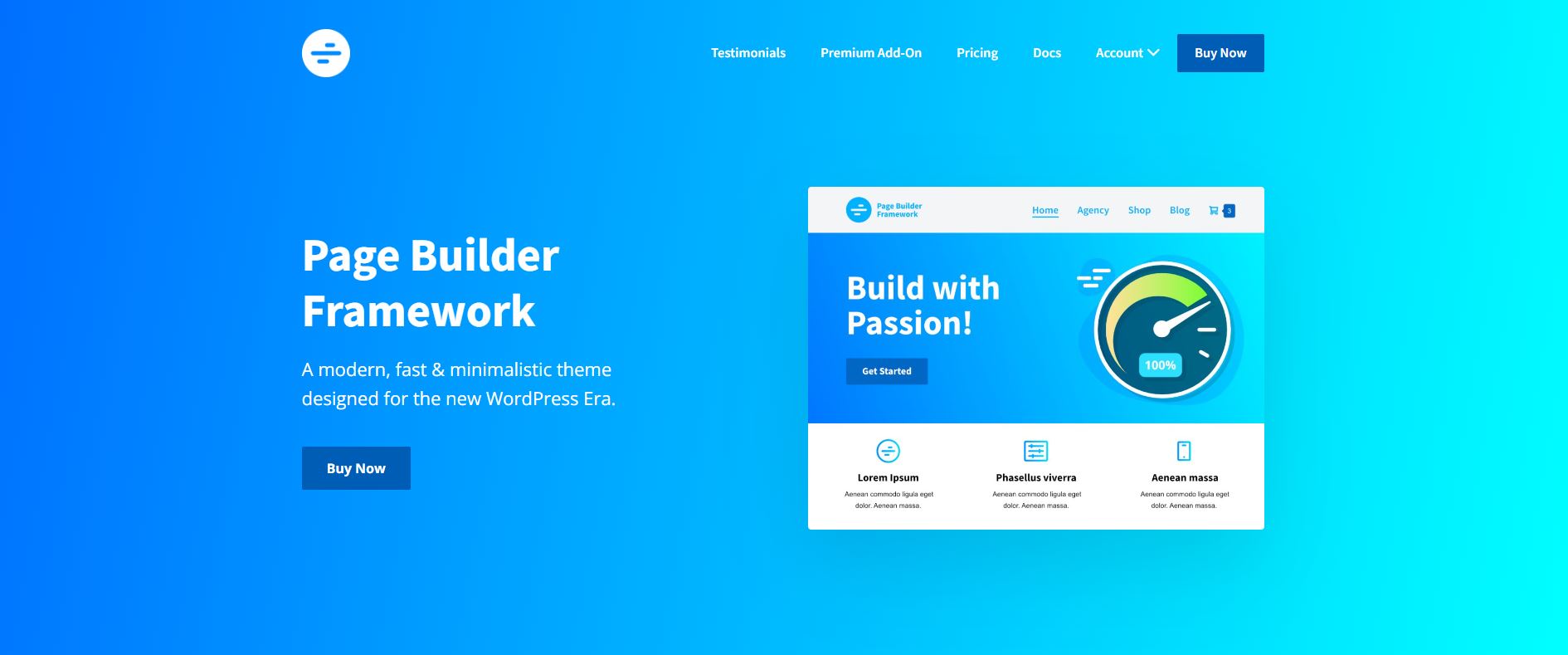
The Page Builder Framework is not a classic theme with its own design, but a technical framework. It has been programmed from the ground up so that it does not get in the way of page builders such as Elementor, Beaver Builder or Brizy, but instead optimally supports their functionality. It is WooCommerce-compatible, offers flexibility and is 100 per cent mobile responsive.
Link to the Page Builder Framework website | Page Builder Framework on WordPress.org
Installations: 10.000+
Rating on WordPress.org: 4,9/5 stars.
Strengths / Features:
- Radical minimalism: Less than 50 KB in the frontend ensures good values for the Core Web Vitals. It provides almost no custom CSS, which prevents conflicts with builders.
- Unique child theme generator: You can use an online tool to directly generate a ready-to-use branded child theme.
- White labelling from the lowest tariff: Included in all tariffs to allow the theme to appear completely under its own name in the backend.
- Performance focus: No jQuery, local Google Fonts and options to deactivate WP ballast (emojis etc.).
Weaknesses:
- “Naked” basis: Without a page builder or in-depth custom CSS, the website looks completely undesigned. It is not a theme for “out-of-the-box” designs.
- Small selection of templates: Compared to Astra or Kadence, PBF offers significantly fewer ready-made starter templates.
Pricing model:
- Free basic version.
- Premium Add-On (1 website): 58$ / year.
- Premium Add-On (10 websites): 78$ / year.
- Premium Add-On (Unlimited Websites): 128$ / year.
- Agency Bundle (Unlimited Websites): 248$ / year. Also includes Ultimate Dashboard PRO and Better Admin Bar PRO.
- Lifetime (Unlimited websites): One time $448.
Which features are only available with the Pro version?
Sticky navigation, white labelling, advanced typography, mega menu, WooCommerce integration (quick view, sales badges), custom sections (hooks).
Gutenberg compatibility:
Fully supports Gutenberg, but is conceptually optimised for external builders.
Page Builder compatibility:
Optimised for Elementor, Beaver Builder and Brizy.
Who is the theme suitable for?
Agencies that create a customised design for each customer project in the Builder and are looking for an invisible basis with their own branding (white label).
Agency Check
| Criterion | Points | Comment |
|---|---|---|
| Performance potential | 10/10 | Minimalist code output, no ballast. |
| Maintainability | 10/10 | Very stable code, extremely low maintenance. |
| Future security | 8/10 | Small community, but technically timeless. |
| Workflow management | 9/10 | White labelling, very agency-friendly. |
| Design efficiency | 4/10 | Every visual detail must be built in the Builder. |
The FSE-Natives: Full Site Editing
Themes that no longer have a customiser and rely 100% on the WordPress site editor. The most modern architecture, extremely future-proof, but requires familiarisation with the native editor.
7. Spectra One: Astra’s FSE answer
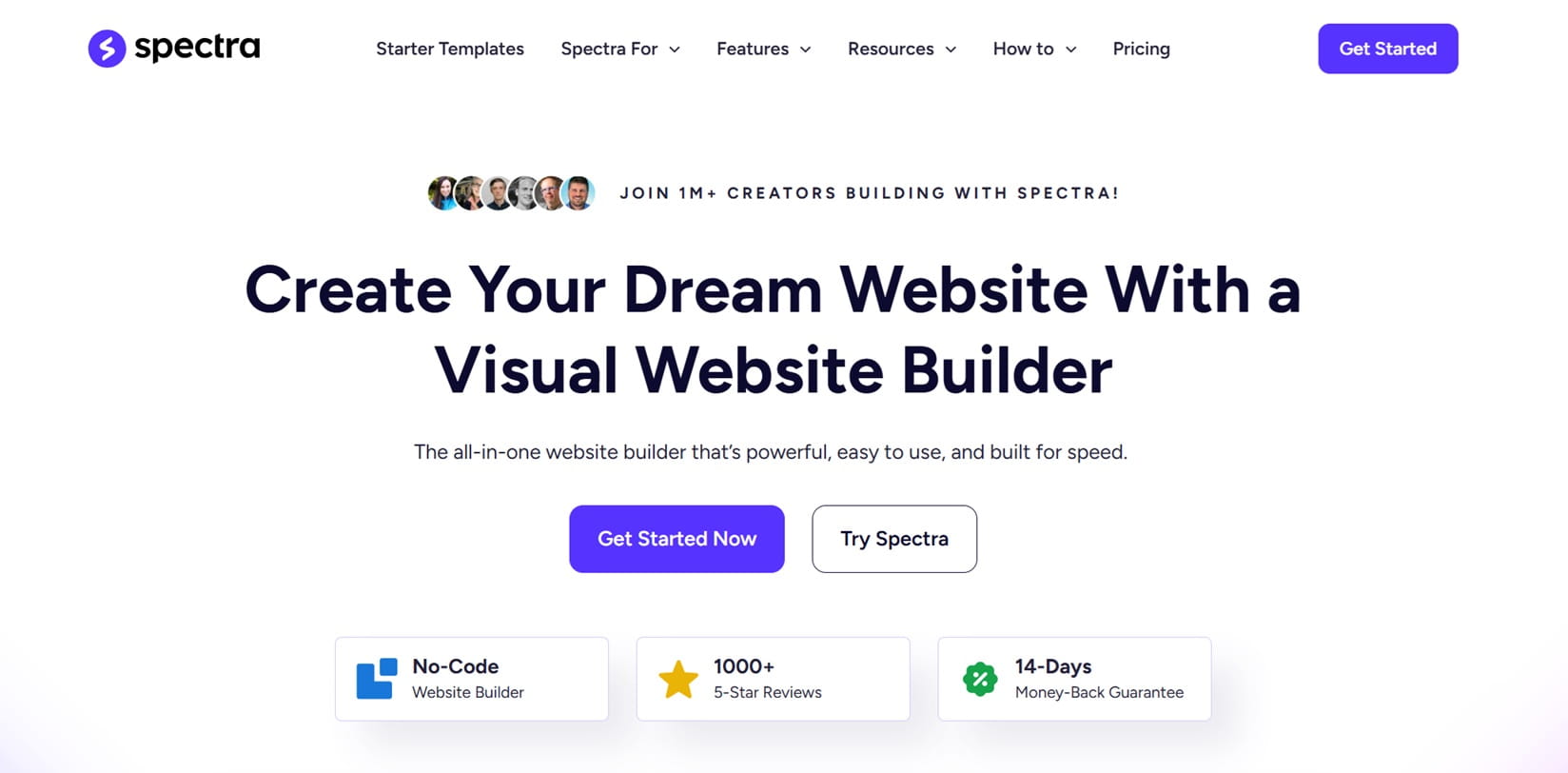
The first real full site editing theme from the makers of Astra. Spectra One is a pure block theme designed to work hand in hand with the Spectra Gutenberg Blocks plugin.
Link to the Spectra One website | Spectra One on WordPress.org
Installations: 8,000+
Rating on WordPress.org: 4,8/5 stars.
Strengths / Features:
- Seamless FSE integration: everything is customised in the native Site Editor. No more separate customiser menus.
- Style Variations & Dark Mode: Comes with predefined design variations (incl. dark modes) that can be applied globally to the entire page with one click.
- Close integration with Spectra Pro: In combination with the Spectra plugin, you get functions such as a pop-up builder, a loop builder (for complex queries) and dynamic content.
- Performance: As it is a pure block theme, it only loads the absolute minimum of CSS and completely dispenses with JavaScript ballast in the core.
Weaknesses:
- Dependence on the plugin: Without the Spectra plugin, the theme looks quite plain. Its true “Astra power” only unfolds in the bundle.
- Small theme base: With approx. 8,000+ active installations, it is still an insider tip compared to its big brother Astra.
Pricing model:
- The theme itself is free of charge.
- Spectra Pro (3 websites): 69$/ year.
- Spectra Pro (1,000 websites): $89 / year.
- Essential Toolkit (3 websites): 119 $ / year.
- Essential Toolkit (1,000 websites): 199$ / year.
- Business Toolkit (3 websites): 209$ / year.
- Business Toolkit (1,000 websites): 269$ / year.
- Lifetime options (varying discounts): From $319 (Spectra Pro / 3 websites) to $999 (Business Toolkit / 1,000 websites).
Which features are only available with the Pro version?
Spectra Pro Plugin required for Loop Builder, Popup Builder, Dynamic Content (ACF/Meta Box Integration), advanced animations, exclusive Pro Blocks (such as Slider Pro and Login Forms) and white labelling.
Gutenberg compatibility:
The theme has been developed for the Gutenberg block editor.
Page Builder compatibility:
Technically possible, but Spectra One is there to make Page Builder superfluous.
Who is the theme suitable for?
Agencies that want to make the technological switch to FSE but appreciate the reliability and support of the Astra team.
Agency Check
| Criterion | Points | Comment |
|---|---|---|
| Performance potential | 9/10 | Very efficient thanks to block focus. |
| Maintainability | 9/10 | Clean, future-orientated code. |
| Future security | 10/10 | FSE is the official WordPress future. Astra developer Brainstorm Force ensures further development. |
| Workflow management | 9/10 | Very efficient thanks to starter templates and Spectra Cloud. |
| Design efficiency | 9/10 | Extremely fast look and feel thanks to the style variants. |
8. Ollie: The native FSE future

Ollie shows how WordPress 2026 works natively – without third-party bloat. Ollie is the only theme in this list that understands the European Accessibility Act (EAA) not as a plugin solution, but as an architectural foundation.
Link to the Ollie website | Ollie on WordPress.org
Installations: 4.000+
Rating on WordPress.org: 5/5 stars.
Strengths / Features:
- 100% WordPress core: Ollie only uses native block technology. The result is extremely clean code without unnecessary ballast scripts.
- Ollie Setup Wizard: A revolutionary onboarding process for block themes. It guides you through the setup of colours, logos and typography before you set the first block.
- Ollie Menu Designer: One of the highlights of 2026, this allows you to create complex mega menus and mobile navigations directly in the block editor – a feature that was often the biggest hurdle with FSE themes.
- Cloud Pattern Library (Pro): Access to over 200 professionally designed sections and 30+ complete page designs streamed directly into the editor.
- Future-proof accessibility: Ollie fulfils the requirements of the European Accessibility Act 2026 (WCAG 2.2) almost “out of the box”, as it uses strict semantic HTML5 and native ARIA standards.
Weaknesses:
- FSE learning curve: The WordPress Site Editor requires a rethink. Agencies that are still stuck in the classic customiser workflow need to invest time in further training.
- Dependence on WP-Core: Since Ollie hardly uses its own “hacks”, it is dependent on the quality of the official block editor.
Pricing model:
- Free basic version.
- Creator (1 website): 89$ / year.
- Freelancer (5 websites): 149$ / year.
- Agency (500 websites): 299$ / year. (Includes the complete cloud library, Figma assets and Slack access).
Which features are only available with the Pro version?
The complete pattern cloud, the extended Menu Designer (Pro-Templates), video tutorial library, Figma files for designers and priority support.
Gutenberg compatibility:
100% native. The theme is the block editor.
Page Builder compatibility:
Not recommended; Ollie was developed to make Page Builder superfluous.
Who is the theme suitable for?
Agencies that want to get rid of the page builder ballast and build future-proof, extremely fast business pages for customers.
Agency Check
| Criterion | Points | Comment |
|---|---|---|
| Performance potential | 10/10 | 0% bloat, more is not possible. |
| Maintainability | 10/10 | Only uses core standards. Practically never breaks during updates. |
| Future security | 8/10 | Full EAA/WCAG 2.2 compliance & native FSE focus. There is no “shortcode salad” and the theme can be easily exchanged with another block theme. However, the community and the team behind it are quite small. There is therefore a real risk that development will stagnate. |
| Workflow management | 8/10 | Cloud patterns are top; 500-site licence is fair. |
| Design efficiency | 8/10 | Requires FSE expertise, but is then fast. |
9. Frost: Puristic FSE

Frost was originally created by Brian Gardner (the founder of StudioPress/Genesis) and later acquired by WP Engine. It is not a classic multipurpose theme, but a highly optimised block theme that serves as a showcase for modern WordPress (FSE).
Link to the Frost website | Frost on WordPress.org
Installations: 3,000+
Rating on WordPress.org: 5/5 stars.
Strengths / Features:
- 100 % Native & FSE-First: Frost completely dispenses with its own customiser settings. Everything – from the header to the footer – is controlled in the native WordPress site editor.
- Block patterns: It provides a large library of professionally designed patterns (hero sections, portfolios, price lists) that can be inserted simply by dragging and dropping.
- Performance: Frost brings almost no code ballast of its own, but relies purely on WordPress standards, which leads to fast loading times
Weaknesses:
- No “convenience features”: If you are used to changing things with a click in the Customiser, you will find Frost “too empty” at first. You have to master the Site Editor (FSE).
- Minimalism: Clean Slate. For customers who expect a finished, colourful design, a lot of preparatory work is required.
Pricing model:
- Frost is completely free of charge.
Which features are only available with the Pro version?
There is no Pro version with paywall.
Gutenberg compatibility:
Fully supported.
Page Builder compatibility:
Technically possible, but conceptually contradictory. Those who use Frost generally want to move away from heavy page builders such as Elementor and towards native blocks.
Who is the theme suitable for?
Agencies and designers who want to build modern websites that are future-proof and high-performance.
Agency Check
| Criterion | Points | Comment |
|---|---|---|
| Performance potential | 10/10 | No bloat. It could hardly be quicker. |
| Maintainability | 10/10 | Uses 100% WordPress standards. |
| Future security | 10/10 | Strictly follows the WordPress roadmap (FSE). Supported by WP Engine. |
| Workflow management | 7/10 | Focus on design patterns, but fewer agency tools than other themes. |
| Design efficiency | 4/10 | Requires design definition from scratch. High manual effort if you are still learning FSE. |
The design ecosystems
Themes that come with a complete visual page builder or are inextricably linked to it. You leave the WordPress standard and work in a specialised design environment.
10. Hello Elementor: The page builder skeleton
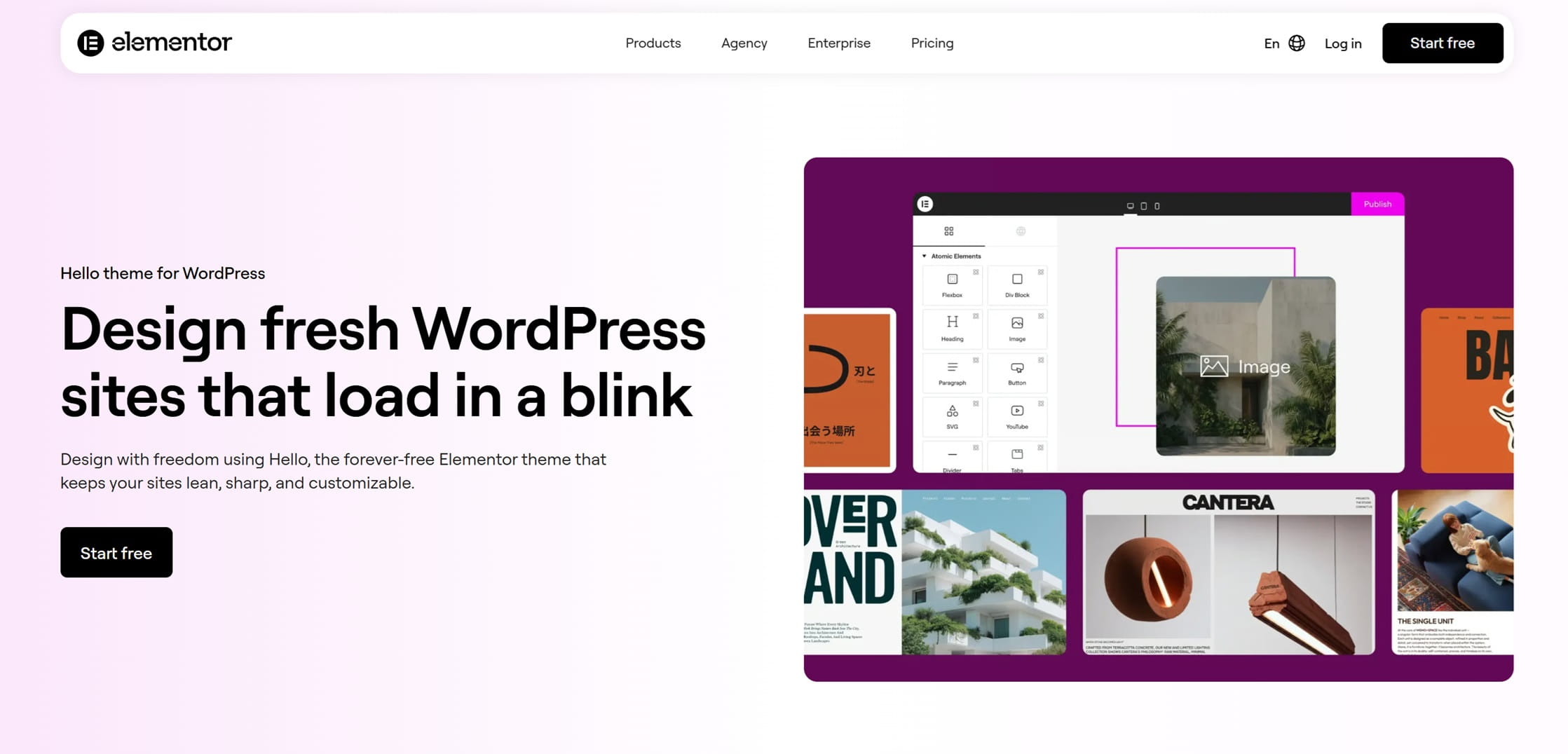
Hello Elementor is not a theme in the classic sense, but an “empty shell”. It provides almost no CSS and no design specifications, as the entire design (from the header to the footer) is controlled via the Elementor Theme Builder.
Link to the Hello Elementor website | Hello Elementor on WordPress.org
Installations: 1 million+
Rating on WordPress.org: 4,2/5 stars.
Strengths / Features:
- Elementor AI integration: deeply rooted in the editor since 2026 – generates layouts, texts, images and even suitable CSS code at the touch of a button.
- Atomic Editor (New 2026): Elementor 4.0 introduces a system with classes and variables that massively improves the maintainability of large projects.
- Maximum compatibility: As it comes from the Elementor makers themselves, there are guaranteed to be no conflicts between the theme and the builder.
- Extremely lightweight: Less than 5 KB in the frontend provide a perfect starting point for PageSpeed optimisations.
Weaknesses:
- No standalone use: Without Elementor Pro, the theme is completely functionless (no header, no footer, no styling).
- Performance trap: The theme is fast, but the output of Elementor can quickly lead to a bloated DOM if used incorrectly.
- High configuration effort: As the theme is “naked”, every single design decision (from the padding of the buttons to the footer layout) has to be made in the builder.
Pricing model:
- The theme itself is free and open-source
- Elementor Pro
- Essential (1 website): 60€ / year.
- Advanced Solo (1 website): 84€ / year.
- Advanced (3 websites): 108€ / year.
- Expert (25 websites): 204€ / year.
- Elementor One (1 website): 228€ / year. Includes 25,000 credits for AI tools, image optimisation and accessibility scans.
- Elementor One Agency (Unlimited Websites): 540€ / year. Includes 350,000 monthly credits for AI, accessibility fixes and email deliverability.
Which features are only available with the Pro version?
As the theme itself has no features, all functions (Theme Builder, Popup Builder, Forms, WooCommerce Builder, Loop Builder) come exclusively via the Elementor Pro licence.
Gutenberg compatibility:
Neutral. Is usually completely replaced by the Elementor Editor in this workflow.
Page Builder compatibility:
It is the official theme of Elementor – there is no better match.
Who is the theme suitable for?
Pure Elementor agencies that create complex designs from scratch and do not want theme specifications.
Agency Check
| Criterion | Points | Comment |
|---|---|---|
| Performance potential | 9/10 | The theme is top; Elementor decides on speed. |
| Maintainability | 10/10 | Hardly any theme code available that could break during WP updates. |
| Future security | 10/10 | Extremely secure thanks to Elementor’s market leadership. |
| Workflow management | 9/10 | Centralised cloud templates and AI help save a lot of time. |
| Design efficiency | 3/10 | “Blank canvas” – no design without work. |
11. Divi: The visual powerhouse

For a long time, Divi was considered sluggish, but with Divi 5.0 (release: February 2026), Elegant Themes has completely reinvented the framework. The switch from PHP shortcodes to a modern React architecture and a block-based storage format has removed a lot of “shortcode clutter” and given Divi a major performance boost.
Divi is very flexible and can be used as a multi-purpose theme with its own WordPress page builder for almost all industries and website projects. It can also be used to set up an online shop. It is particularly suitable for anyone who is just starting out with WordPress and has little or no technical expertise.
By the way: You can also download the Divi Builder individually as a plugin and use it together with other themes, for example with GeneratePress or the Page Builder Framework.
Installations: 1 Million+
Rating on WordPress.org: Not listed
Strengths / Features:
- Very good visual builder with a large layout library
- Instant rendering: Thanks to the new architecture, there is no longer any delay between design customisation and preview – everything happens in real time.
- State-of-the-art performance: Divi 5 achieves very good PageSpeed values, as only the code that is actually used on the page is loaded (Dynamic Assets).
- Global Design System: The new system with design variables and presets allows global changes (e.g. spacing or font sizes) to be controlled system-wide in seconds.
Weaknesses:
- System lock-in: Despite the new format, Divi remains a closed ecosystem. Switching to a different theme usually means a complete rebuild.
- Learning curve: As Divi 5.0 comes in a completely new guise, the initial period can feel a little slow, as familiar patterns no longer work.
- Third-party compatibility: As Divi 5 is based on a completely new architecture (React/NFI), it can only develop its full speed if all third-party add-ons used are also natively optimised for v5.
Pricing model:
- Divi (Unlimited Websites): $89 / year.
- Divi Pro (Unlimited Websites): $277 / year.
- Divi Lifetime (Unlimited Websites): One time $249.
- Divi Lifetime + Pro (Unlimited Websites): One-time $297 + $212 / year (after the first year).
Which features are only available with the Pro version?
Divi AI offers unlimited generation of layouts, texts and images directly in the builder. The Divi Cloud acts as a “dropbox for web designers” where you can save your master layouts and import them into any customer project at the touch of a button. You also get VIP support with guaranteed response times of less than 30 minutes and access to Divi Teams for collaborative work.
Gutenberg compatibility:
Thanks to the new block-based storage format, Divi 5.0 is much more closely integrated with the WordPress standard than its predecessors.
Page Builder compatibility:
Divi is an all-in-one system; the use of an additional page builder is neither necessary nor useful.
Who is the theme suitable for?
Agencies that love visual design and are looking for intuitive operation for customers.
Agency Check
| Criterion | Points | Comment |
|---|---|---|
| Performance potential | 7/10 | Competitive again since Divi 5 (React). |
| Maintainability | 7/10 | Thanks to the new Divi 5 architecture and the central Divi Dash management tool, even large website portfolios can be maintained stably and with minimal effort over many years. The only problem is when the theme is changed. |
| Future security | 10/10 | Large company with massive resources in the background. Equipped for the next decade thanks to 5.0 modernisation. |
| Workflow management | 9/10 | Divi Cloud and AI save the agency a huge amount of time. |
| Design efficiency | 10/10 | Every layout can be realised in minutes. |
12. Avada: The Swiss Army Knife
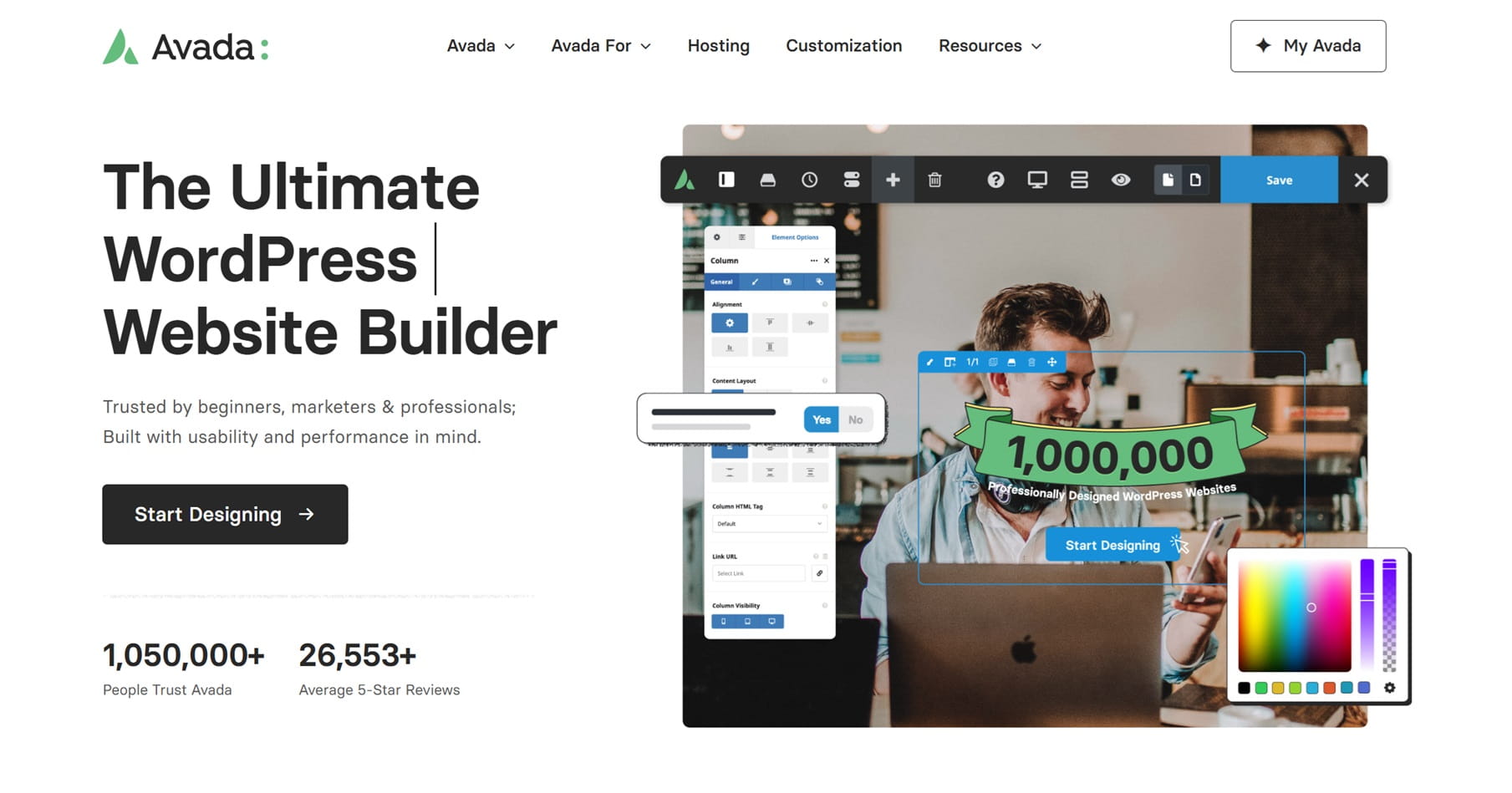
Avada has been the best-selling theme on ThemeForest for over a decade. In 2026, it no longer presents itself as a mere theme, but as a closed “website builder” ecosystem. It is considered a multifunctional theme and comes with many functions and design options as standard.
Avada is the choice for anyone who is looking for an all-in-one solution and doesn’t want to put together dozens of plug-ins.
Link to the Avada website | Avada on Themeforest.net
Installations: 1 million+
Rating on Themeforest.net: 4.8/5 stars
Strengths / Features:
- Avada Live Visual Builder: An extremely sophisticated front-end editor
- Performance Wizard: An integrated tool that deactivates unused scripts, optimises images and generates critical CSS
- AJAX WooCommerce Filter: Since 2026 Avada offers native, fast product filters without reload – a feature that used to require expensive additional plugins.
- Huge demo library: Over 90 ready-designed “prebuilt websites” that can be imported with one click, including all content and settings.
Weaknesses:
- Short support period: After purchase, only 6 months of support are included; after that you have to pay for help again.
- Single licence model: A new licence must be purchased for each website.
- Shortcode legacy: In contrast to Divi 5.0, the Fusion Builder is still partly based on shortcodes. If you change the theme, you are often left with a “code salad”.
- Settings overload: With hundreds of switches, the “Avada Global Options” are so powerful that beginners can quickly get lost in them.
Pricing model:
- One-off $69 per website incl. 6 months support.
Which features are only available with the Pro version?
Everything included. There is no free version.
Gutenberg compatibility:
The custom builder is in the foreground, but Gutenberg blocks can be easily integrated.
Page Builder compatibility:
Avada is designed to be used without Elementor or other builders.
Who is the theme suitable for?
Freelancers and agencies that charge a separate licence for each customer and are looking for an “all-round carefree package” that does not require external plugins for forms, pop-ups or sliders. Avada is ideal for realising extensive websites, e.g. for associations, larger companies or online shops. There are definitely simpler solutions for blogs.
Agency Check
| Criterion | Points | Comment |
|---|---|---|
| Performance potential | 8/10 | Top thanks to Performance Wizard, but requires fine-tuning. |
| Maintainability | 9/10 | Everything from a single source; no plug-in conflicts in the core. |
| Future security | 9/10 | The large user base guarantees decades of maintenance. |
| Workflow management | 6/10 | Individual licensing per website means administrative effort. |
| Design efficiency | 10/10 | The finished demos are visually at an absolute high-end level. |
The specialists
These themes are not generalists, but experts for special use cases.
13. Neve: Quick & Easy
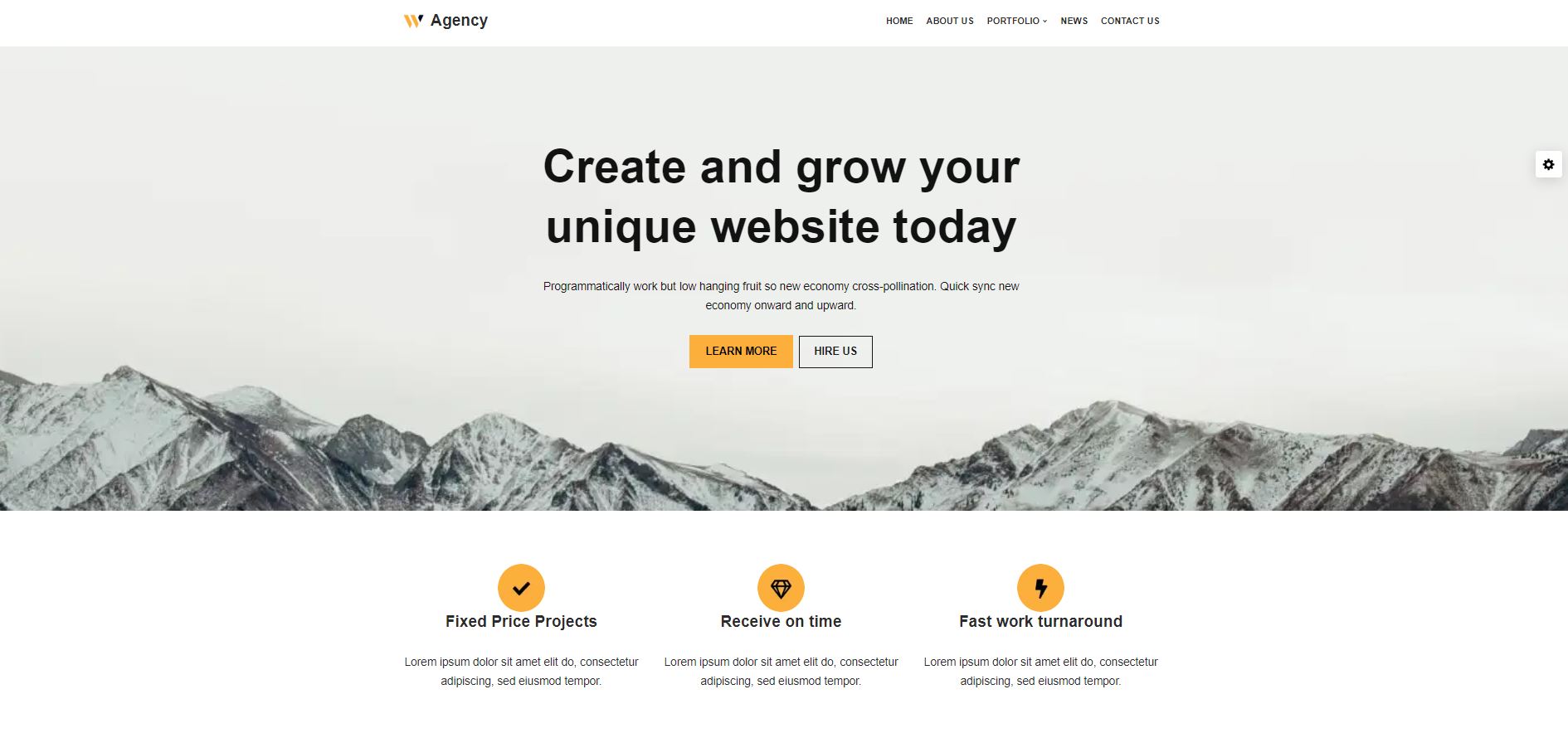
Neve is a very good choice if the focus is on mobile speed and a quick, uncomplicated setup. Even in the free version, Neve offers numerous functions such as customised headers and layout options. It works seamlessly with the Gutenberg Editor and supports other page builders such as Elementor, Brizy, Beaver Builder, WPBakery Page Builder, SiteOrigin and Divi. This makes the theme particularly flexible.
It is particularly attractive for agencies because of the clean white label module in the agency tariff.
Link to the Neve website | Neve on WordPress.org
Installations: 200.000+
Rating on WordPress.org: 4,7/5 stars
Strengths / Features:
- Extreme lightness: With less than 30 KB in the standard installation, Neve scores top marks in the Google Core Web Vitals.
- Mobile-first excellence: Innovative options for mobile headers, sticky navigations and optimised menus that do not require additional CSS.
- Cloud Library (Pro): Agencies can save their own designs in the Neve cloud and import them into new customer projects at the touch of a button.
- Excellent white labelling: The Agency module allows you to completely erase all ThemeIsle branding traces in the WordPress backend.
- Otter Blocks Integration: The in-house block library expands the editor without overloading it.
Weaknesses:
- Functional aesthetics: The basic layouts are very functional; for “playful” high-end designs, significantly more manual work is required than with Blocksy or Kadence.
Pricing model:
- Free basic version
- Personal (Unlimited websites): 139$ / year. 50% discount in the first year.
- Business (Unlimited Websites): 299$ / year. Incl. WooCommerce booster & LMS integration). 50% discount in the first year.
- Agency (Unlimited websites): $519 / year. Incl. White Label, Neve Cloud & Otter Blocks Pro). 50% discount in the first year.
Which features are only available with the Pro version?
WooCommerce Booster, Advanced Blog Layouts, Custom Layouts & Hooks, White Labelling, Neve Cloud Access and the Otter Blocks Pro extension.
Gutenberg compatibility:
Very good. Neve uses its own Otter Blocks for extended layout options.
Page Builder compatibility:
Excellent integration for Elementor (incl. special Pro widgets).
Who is the theme suitable for?
Agencies that want to build fast SME sites, landing pages and mobile-optimised portals and brand them under their own name (white label). Neve is suitable for almost all types of projects
Agency Check
| Criterion | Points | Comment |
|---|---|---|
| Performance potential | 9/10 | Perfect for mobile-first indexing. |
| Maintainability | 8/10 | Experienced team (ThemeIsle) with high update frequency. |
| Future security | 8/10 | Consistent, reliably follows technological trends. |
| Workflow management | 9/10 | One of the strongest white label concepts on the market. |
| Design efficiency | 8/10 | Large selection of starter sites for a quick start. |
14. Flatsome: The e-commerce king
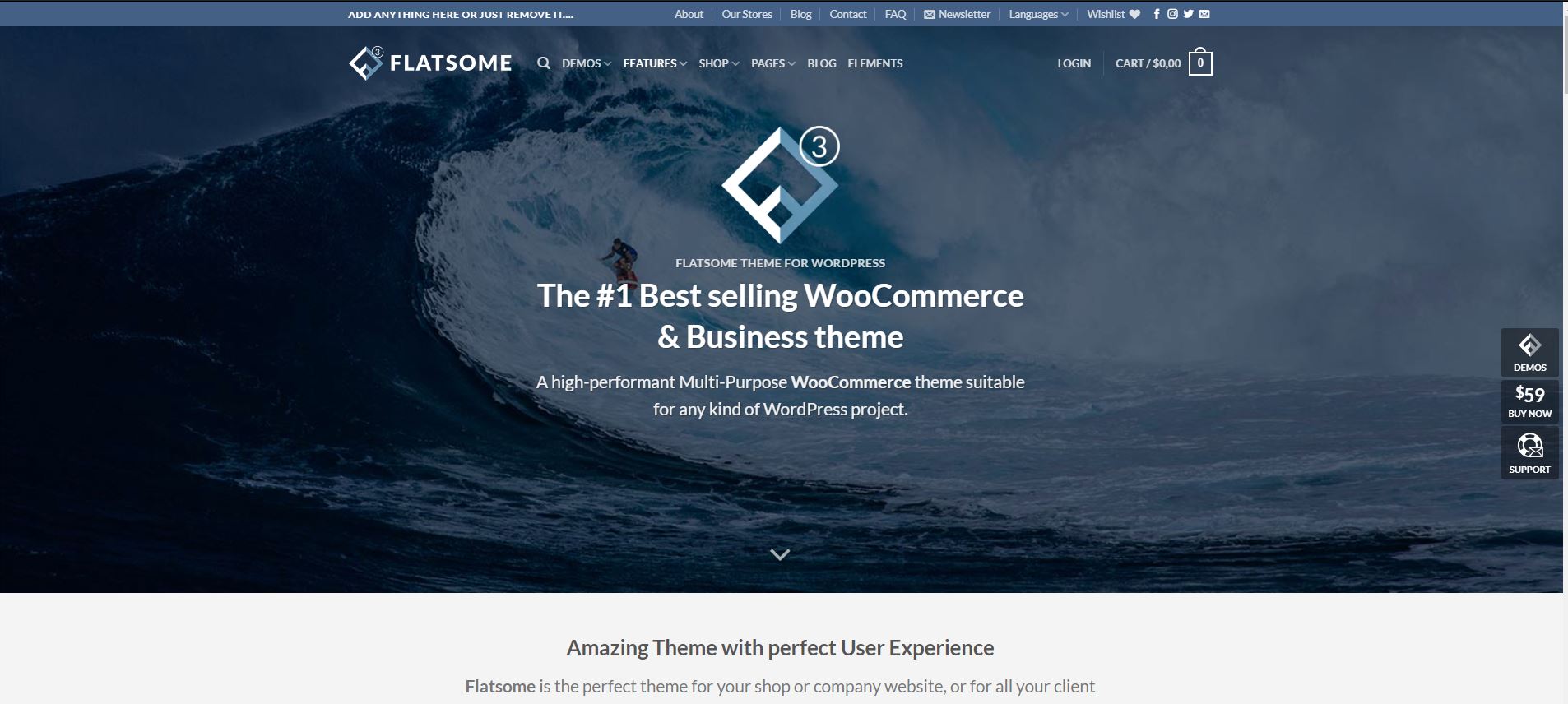
Flatsome has been the best-selling WooCommerce theme on ThemeForest for years. It’s not just a theme, but a complete sales ecosystem. The integrated UX Builder offers a working environment that is specifically tailored to the needs of online retailers and natively integrates functions that would otherwise require expensive additional plugins.
If you have basic CSS knowledge, you can bend Flatsome to such an extent that it looks like an expensive customised development – at a fraction of the cost. The theme is less suitable for absolute beginners.
Link to the Flatsome website | Flatsome on Themeforest.net
Installations: 200.000+
Rating on Themeforest.net: 4.8/5 stars
WooCommerce Hosting
With WooCommerce Hosting, you can quickly and securely launch your own online store and manage it professionally—without any technical hurdles. Try our Raidboxes WooCommerce Hosting today.
Strengths / Features:
- UX Builder: An extremely fast, visual editor that has been specially optimised for shop elements (product sliders, banners, grids).
- Native e-commerce features: Functions such as live search, wish lists, product quick view, sticky carts and free shipping bars are integrated without additional plug-ins.
- Live Header Builder: One of the best header editors on the market, with which complex shop navigations can be created using drag-and-drop.
- Lottie & animations (Update 2026): Native support for Lottie files and modern scroll effects to dynamically showcase products.
Weaknesses:
- Lock-in effect: The UX Builder is unique to Flatsome. If you change the theme, you have to rebuild the entire content because no standard blocks are used.
- Short support period: After purchase, only 6 months of support are included; after that you have to pay for help again.
- Single licence model: A new licence must be purchased for each website.
- Less demo variety: Compared to Astra or Kadence, Flatsome offers fewer starter sites (approx. 20), as the focus is on customised shop design.
Pricing model:
- One-off charge of $59 per website incl. 6 months support.
Which features are only available with the Pro version?
Everything included. There is no free version.
Gutenberg compatibility:
The focus is clearly on the company’s own UX Builder, but Gutenberg blocks can be integrated within the pages.
Page Builder compatibility:
Technically possible, but not sensible, as the UX Builder is the centrepiece of performance.
Who is the theme suitable for?
Agencies and shop operators who want to set up a professional, high-performance WooCommerce store without getting lost in a jungle of plugins.
Agency Check
| Criterion | Points | Comment |
|---|---|---|
| Performance potential | 7/10 | Very good for shops, but requires optimisation for many images. Not a speed miracle. |
| Maintainability | 7/10 | Fewer plugins mean fewer conflicts, but the builder lock-in makes redesigns more difficult. |
| Future security | 8/10 | Large community ensures constant updates and stability. |
| Workflow management | 6/10 | Administratively complex due to the single licence model. |
| Design efficiency | 9/10 | One of the most efficient tools for shop layouts. |
15. Thrive: The conversion machine

Thrive is not a classic theme, but part of the Thrive Suite. It’s not primarily about beautiful design, but about measurable results: Clicks, leads and sales. The Thrive Theme Builder uses skins (such as Shapeshift or Omni) to define the basic structure of the website, while the integrated Thrive Architect takes care of the detailed design.
Installations: Approx. 200,000 according to the manufacturer
Rating on WordPress.org: Not listed
Strengths / Features:
- Marketing-first approach: Native integration of A/B testing (Thrive Optimise), countdown timers (Thrive Ultimatum) and quiz functions (Thrive Quiz Builder).
- Guided setup wizard: Good onboarding process that guides you step by step through header, footer, typography and brand colours.
- Native lead generation: Thrive Leads is directly integrated; you can place opt-in forms anywhere in the theme layout without third-party plugins.
- LMS integration: With Thrive Apprentice, you can build your own course platform in no time at all, which visually matches the rest of the theme perfectly.
Weaknesses:
- System lock-in: Similar to Divi or Elementor, it is difficult to change later as the content is strongly tied to Thrive’s own code.
- Learning curve: The abundance of marketing tools can initially overwhelm beginners who “only want a small website”.
- Comparatively expensive
Pricing model:
- Thrive Suite (single user – 5 websites): 599$ / year. Approx. 50% discount in the first year.
- Thrive Suite (Agency – 50 websites): 999$ / year. Approx. 40% discount in the first year.
Which features are only available with the Pro version?
Everything included. There is no free version.
Gutenberg compatibility:
The focus is clearly on the custom builder (Thrive Architect), but Gutenberg blocks can be embedded in the layouts.
Page Builder compatibility:
Thrive comes with its own builder. The use of Elementor or similar leads to technical ballast.
Who is the theme suitable for?
Agencies that build landing pages, sales funnels or online academies for clients and want to offer data-driven optimisation (A/B tests) as a service.
Agency Check
| Criterion | Points | Comment |
|---|---|---|
| Performance potential | 7/10 | Solid, but somewhat more cumbersome than FSE themes due to the many marketing scripts. |
| Maintainability | 7/10 | Everything from a single mould; updates are perfectly coordinated. The strong lock-in effect makes theme changes difficult. |
| Future security | 8/10 | Part of the financially strong StellarWP Group (Liquid Web). |
| Workflow management | 7/10 | Strong in the creation of funnels and lead routes. Expensive licence. |
| Design efficiency | 9/10 | The templates are psychologically optimised for conversion. |
The established classics
Veterans of the WordPress world. These themes no longer win innovation awards for AI features, but offer unbeatable stability and familiarity for projects that simply have to work for decades.
16. OceanWP: The customiser all-rounder
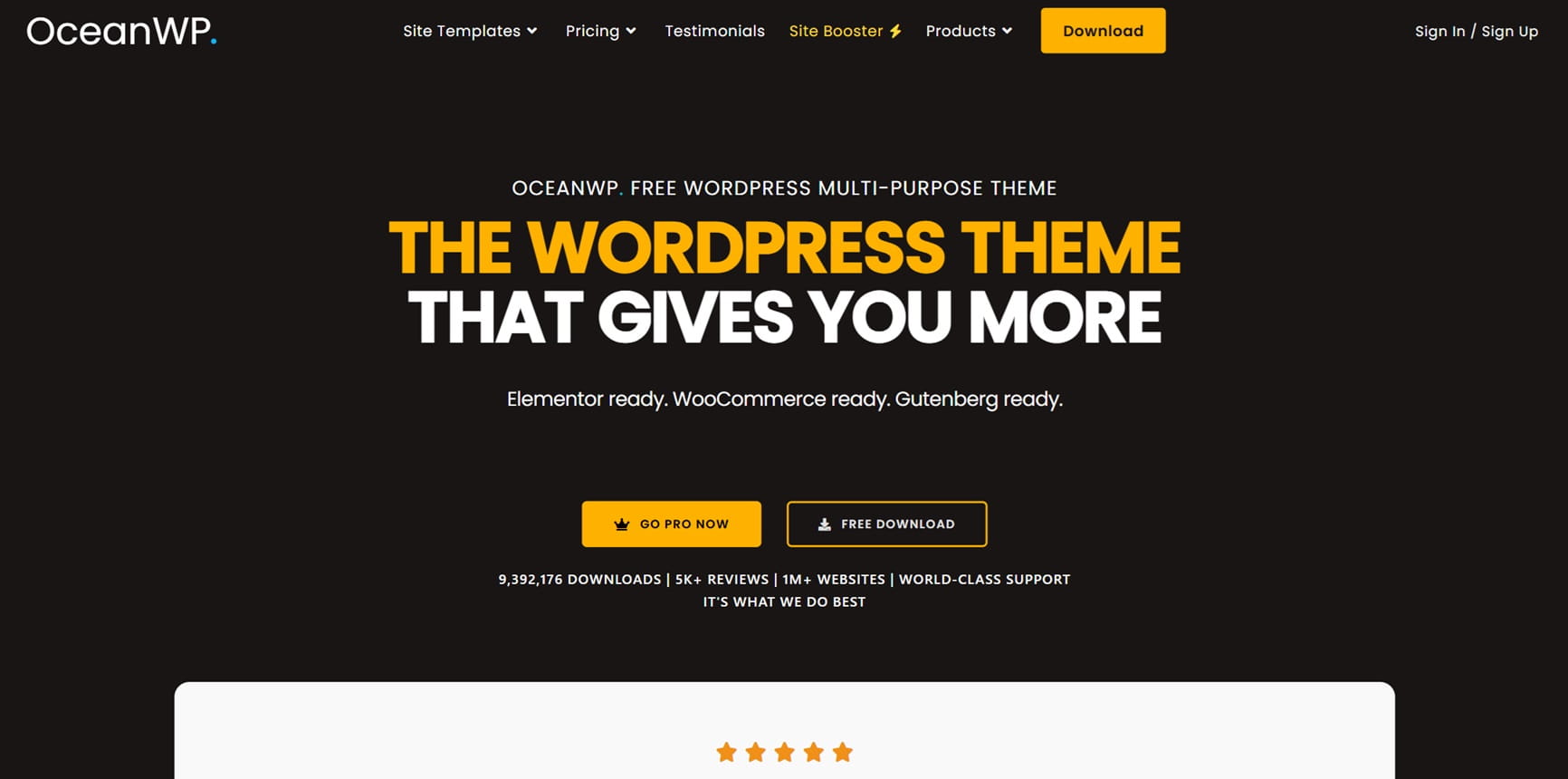
OceanWP was one of the first themes to offer professional features for free that were otherwise only available in expensive premium themes. In 2026, it is the preferred tool for web designers who don’t want to use the Site Editor (FSE) but want to control every little setting – from the padding of the top bar to the position of the shopping basket icon – in the classic way using sliders in the Customiser.
Link to the OceanWP website | OceanWP on WordPress.org
Installations: 500.000+
Rating on WordPress.org: 4,9/5 stars
Strengths / Features:
- Deep WooCommerce integration: Offers native functions such as “Multi-Step Checkout”, “Distraction Free Checkout” and shopping basket pop-ups.
- Individual page settings: You can switch headers, footers and sidebars on or off individually for each page – ideal for landing pages.
- Elementor widgets: The Pro bundle contains a large collection of custom Elementor modules that massively enhance the builder.
- Extension model: You only activate the functions (via plugins) that you really need to keep the core lean.
Weaknesses:
- Plugin dependency: To utilise the full range of functions, the “Ocean Extra” plugin is absolutely essential. Many functions are outsourced to separate plug-ins, which quickly bloats the plug-in list.
- Overloaded Customiser: With hundreds of options, searching for a specific setting can be frustrating for beginners (and even professionals).
- Maintenance backlog for extensions: Some of the specific premium extensions look a little outdated compared to modern block solutions.
Pricing model:
- Free basic version
- Starter (1 website): 44$ / year. 20% discount from the second year. Lifetime: One time $176
- Personal (3 websites): 54$ / year. 20% discount from the second year. Lifetime: One-time 222$
- Business (10 websites): 89$ / year. 20% discount from the second year. Lifetime: One-time $356
- Agency (300 websites): 159$ / year. 20% discount from the second year. Lifetime: One-time $636
- There is often a discount of 10-20%
Which features are only available with the Pro version?
The “Pro Bundle” unlocks over 14 premium extensions: Sticky Header, White Labelling, Woo Popup, Full Screen Scrolling, Cookie Notice and access to over 210 pro demos (starter templates). You also get access to the exclusive Elementor Section Library.
Gutenberg compatibility:
It works, but the real strength lies in the combination with the Customiser and classic page builders.
Page Builder compatibility:
Optimised for Elementor, Beaver Builder and Brizy.
Who is the theme suitable for?
Agencies with a focus on classic web design and e-commerce who appreciate full control over the Customiser and are in no hurry to switch to FSE.
Agency Check
| Criterion | Points | Comment |
|---|---|---|
| Performance potential | 7/10 | Fast, but the many necessary plug-ins can slow you down. |
| Maintainability | 6/10 | High effort due to many individual add-on updates. |
| Future security | 8/10 | Large community, but technologically rather conservative. |
| Workflow management | 7/10 | The Customiser is powerful, but often confusing. |
| Design efficiency | 8/10 | Thanks to the Pro demos, solid designs can be created quickly. |
17. Enfold: The German-language constant
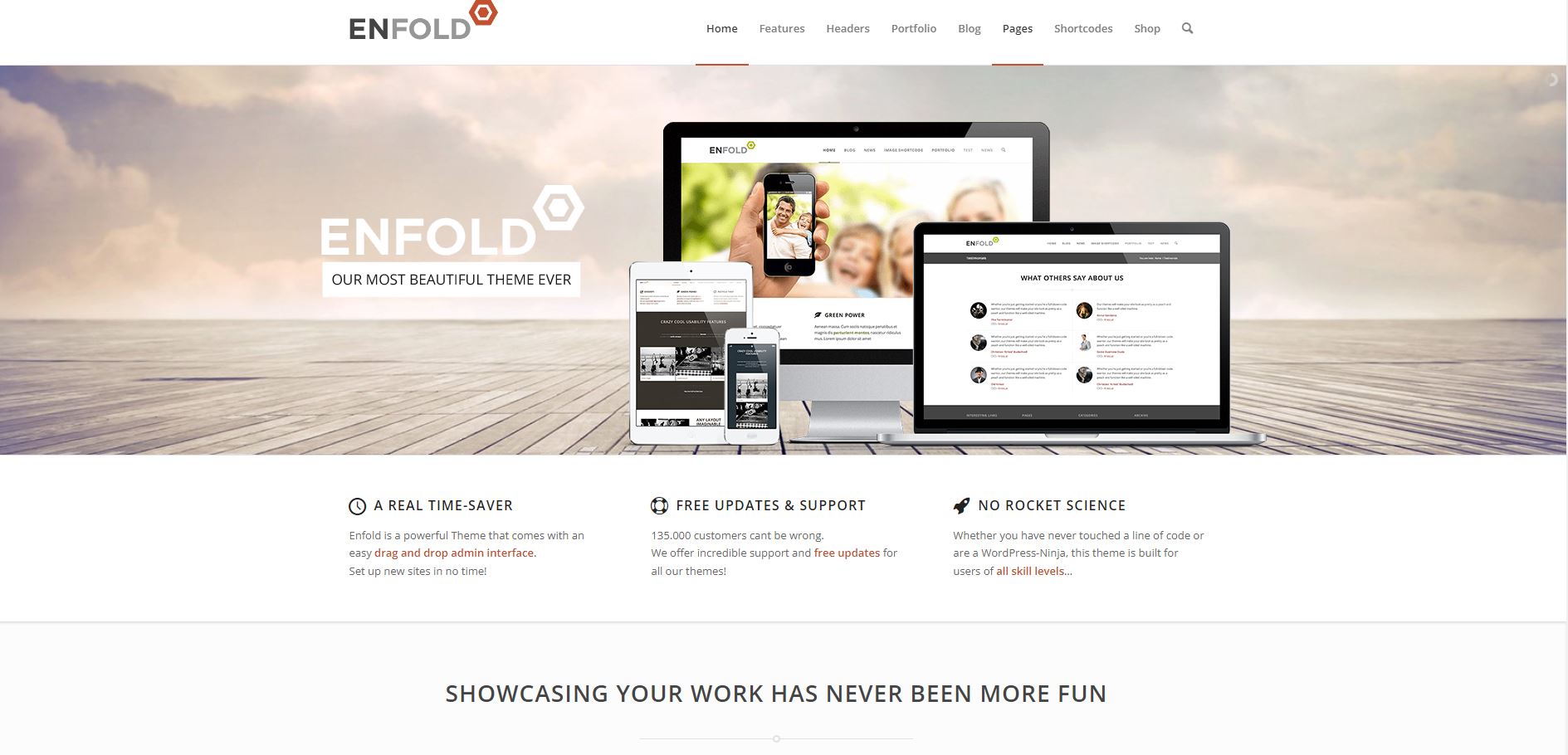
Enfold from Austrian developer Kriesi has been one of the most successful themes on ThemeForest for over a decade. The all-in-one theme offers a high degree of flexibility, an easy-to-use page builder and several templates for different purposes. It also scores with a responsive design, various options for load time optimisation and GDPR compliance.
Enfold is the security choice for agencies that value first-class, German-speaking support and an extremely stable code base.
Link to the Enfold website | Enfold on Themeforest.net
Installations: 250.000+
Rating on Themeforest.net: 4.8/5 stars
Strengths / Features:
- DACH specialist: As Kriesi comes from Vienna, the theme is perfectly prepared for the requirements in German-speaking countries (data protection/DSGVO, translations).
- Avia Layout Builder: A “back-end builder” that provides a very clear, schematic view of the site. Many agencies love this because clients understand the structure better in the backend than in cluttered front-end editors.
- Performance refactoring (2025/2026): The code has been massively modernised in the latest updates. Unnecessary CSS is now loaded modularly, which makes Enfold competitive again with the Core Web Vitals.
- LayerSlider included: A good slider plugin is permanently integrated and saves additional licence costs.
Weaknesses:
- No unlimited licence: As it is distributed via ThemeForest, you have to buy a new licence for each individual website. This makes Enfold more expensive than the competition for large agencies with hundreds of projects.
- Lock-in effect: Enfold is heavily based on shortcodes. If you change the theme, the content can no longer be used without Enfold.
- Design handwriting: Enfold websites often have a very specific “enfold look”. It takes some practice to break out of the typical grid.
Pricing model:
- One-off charge of $59 per website incl. 6 months support.
Which features are only available with the Pro version?
Everything included. There is no free version.
Gutenberg compatibility:
Enfold allows you to choose for each page: Do you use the classic WordPress editor (Gutenberg) or the Avia Layout Builder? However, it is difficult to mix and match within a page.
Page Builder compatibility:
Enfold is designed to be used with its own Avia Builder. Installing Elementor is technically possible, but counterproductive for performance.
Who is the theme suitable for?
Agencies in the DACH region that build serious business websites for clients and are looking for a system that will remain stable for years and has no “subscription surprises” in store.
Agency Check
| Criterion | Points | Comment |
|---|---|---|
| Performance potential | 7/10 | Not a lightweight. |
| Maintainability | 7/10 | Very stable. Updates rarely destroy the design. But: Strong lock-in effect. |
| Future security | 10/10 | On the market since 2013. Kriesi delivers reliably. |
| Workflow management | 4/10 | Administratively cumbersome (individual licences) and more expensive than bundles. Less convenient for mass production than other Themeforest themes. |
| Design efficiency | 9/10 | The schematic builder allows you to work extremely quickly in the backend. |
18. Hueman: The magazine expert
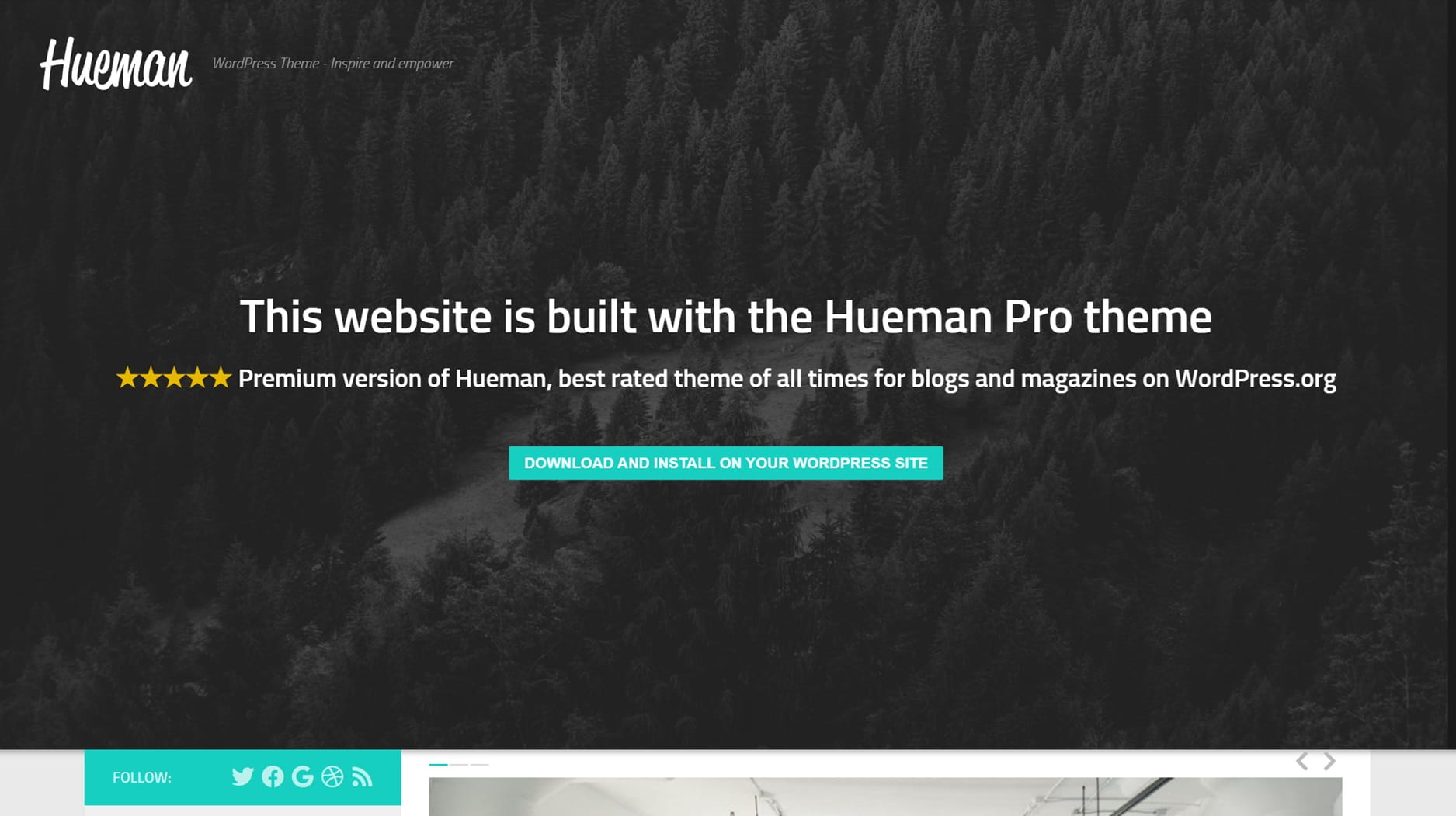
Hueman is one of the best-rated free themes in the WordPress directory. It is known for its distinctive three-column layout and its “app-like” operation on smartphones. While many themes try to be suitable for everything, Hueman remains the specialist for blogs, online magazines and news portals that need to fit a lot of text and many images on one page.
Link to the Hueman website | Hueman on WordPress.org
Installations: 20.000+
Rating on WordPress.org: 4,9/5 stars
Strengths / Features:
- Extreme focus on mobile: Hueman is designed to work almost like a native app on a smartphone. The navigation and sidebar controls are optimised for thumb operation.
- Versatile sidebar logic: You can decide individually for each category, post or page whether you want to have one, two or no sidebar at all.
- Unlimited widget areas: Ideal for advertising banners (AdSense) or complex content navigation.
- Live Customizer: Almost all design adjustments (colours, fonts, layouts) happen in real time without you having to leave the editor.
Weaknesses:
- Niche design: The typical magazine layout often looks too restless for a company website or a classic portfolio page.
- Own builder ecosystem: The manufacturer recommends the in-house Nimble Builder. Although this is functional, it ties you to a less widespread system than Elementor, for example.
- No FSE focus: Hueman remains a classic theme. Anyone looking for the radical new “block world” (full site editing) of WordPress will find a more traditional framework here.
- Technological standstill: Hueman is a classic theme. While the focus in 2026 is 100% on Full Site Editing (FSE) and block themes, Hueman remains trapped in the old world of sidebars and customiser options. It does not benefit from the new performance and design standards of modern WordPress.
Pricing model:
- Free basic version with a wide range of functions
- Hueman Pro (1 website): 49$ / year.
- Premium Bundle (Unlimited Websites): 99$ / year.
- Alternative lifetime option: Hueman Pro one-off $99, Premium Bundle one-off $199
Which features are only available with the Pro version?
The Pro upgrade primarily brings engagement tools: The Featured Content Builder allows complex grids for top stories. There is also a Post Grid Customiser, Infinite Scrolling (for endless reading), an extended Font Customiser and the option to add video backgrounds to full-width header images.
Gutenberg compatibility:
Hueman is fully optimised for the block editor and renders blocks cleanly in its layout.
Page Builder compatibility:
Perfectly matched to the integrated Nimble Builder, but also works perfectly with Elementor or Beaver Builder.
Who is the theme suitable for?
Bloggers, journalists and niche publishers looking for an extremely solid, highly customisable platform for their content that looks perfect on mobile.
Agency Check
| Criterion | Points | Comment |
|---|---|---|
| Performance potential | 8/10 | Very fast thanks to “mobile-first” code and smart loading. |
| Maintainability | 9/10 | Solid basis, maintained for years. Follows WP Core standards. |
| Future security | 2/10 | The developer (Press Customizr) has been stable on the market for over a decade. However, there have been no updates for some time. |
| Workflow management | 7/10 | The live customiser is great, but real cloud management is missing for agencies. |
| Design efficiency | 9/10 | Quickly set up for magazines. |
19. Hestia: The one-page wonder
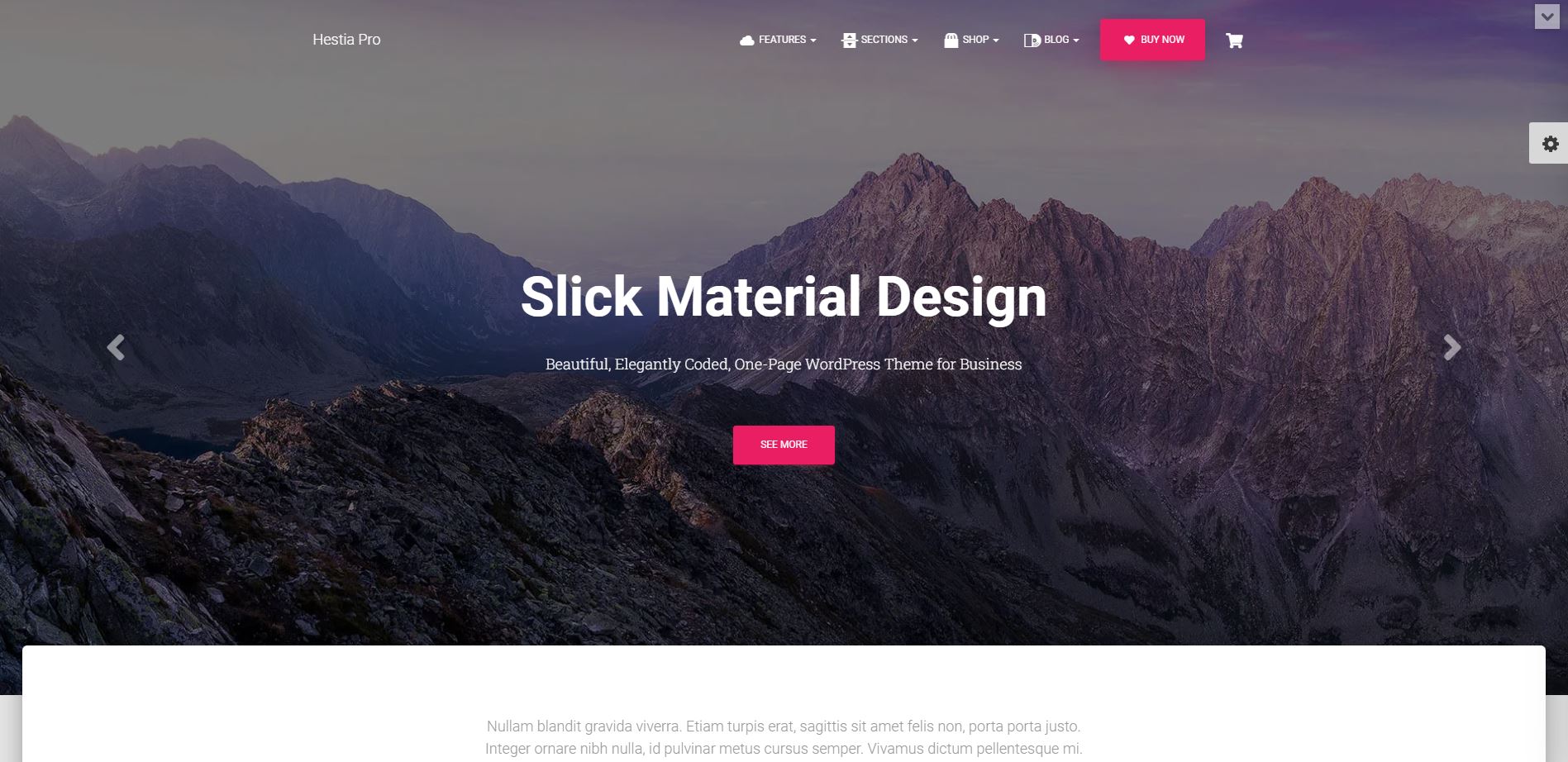
Hestia is the model for modern material design. While other themes often attempt to depict classic multi-page structures, Hestia specialises in presenting all of a company’s important information on a single, smoothly scrolling page.
Link to the Hestia website | Hestia on WordPress.org
Installations: 20.000+
Rating on WordPress.org: 4,9/5 stars
Strengths / Features:
- Slick Material Design: Looks extremely modern and professional out of the box – ideal for start-ups, apps and agencies.
- Section order: In the Pro version, you can move the sections of the start page (Services, Team, Testimonials etc.) simply by dragging and dropping them in the Customiser.
- WooCommerce focus: Hestia delivers a very chic, minimalist design for online shops that puts the focus entirely on the product.
- Video header: Allows you to easily integrate a video or slider into the hero area, which immediately creates a “high-end” look.
Weaknesses:
- Limited structure: Hestia is a “one-page” specialist. The structure is often too inflexible for content-heavy portals or complex news pages.
Pricing model:
- Free basic version.
- Staff (1 website): 129$ / year. Discount in the first year.
- Business (up to 3 websites): 259$ / year. Discount in the first year.
- Agency (Unlimited websites): 499$ / year. Discount in the first year.
Which features are only available with the Pro version?
The Pro version is almost mandatory for agencies: only here is there the Starter Sites Library, white labelling (to hide the theme branding), portfolio and pricing sections as well as the option to design the header and footer completely freely using hooks and custom layouts.
Gutenberg compatibility:
Excellently interlocked with the block editor.
Page Builder compatibility:
Especially optimised for working with Elementor.
Who is the theme suitable for?
Start-ups, freelancers and small businesses that need a modern, stylish web business card or a small, stylish shop.
Agency Check
| Criterion | Points | Comment |
|---|---|---|
| Performance potential | 8/10 | Fast, as long as you don’t overload the start page with too many heavy images. |
| Maintainability | 9/10 | ThemeIsle is a heavyweight on the market and delivers extremely reliable updates. |
| Future security | 9/10 | Material Design remains a standard. The theme is constantly being modernised. |
| Workflow management | 6/10 | Very fast setup of modern one-pagers. Points deducted because of the restrictive website limits and the sharp price increase on renewal. |
| Design efficiency | 10/10 | The one-page logic makes it possible to create a page in a very short time. |
Sign up for the Raidboxes newsletter!
We’ll send you the latest WordPress insights, business tips, and more once a month.
How to choose the best WordPress theme
You now know our best WordPress themes. There are also a few general criteria that you should always pay attention to when choosing a WordPress theme:
- Price: Before looking for a suitable theme, realise how much money you can or want to spend on it. This will make it clear from the outset which themes are even worth considering.
- Website limit: Do you only need the theme for a single page or for several pages (e.g. customer projects)?
- Popularity: The more people use a theme and rate it positively, the more likely it is to be a high-quality theme. Therefore, keep an eye out for well-rated themes and pay attention to the number of active installations or sales, for example.
- Compatibility: Your WordPress theme should always be compatible with the latest version of WordPress. If you are using a WordPress page builder, you should also make sure that the theme and page builder work together.
- Customisability: So that you can really let loose with the design of your website, your theme should be as flexible as possible and offer individual headers and footers or sidebars, for example.
- Development: To ensure that your website is always displayed flawlessly, it is important that the WordPress theme is up to date. The theme of your choice should therefore be regularly supplemented with new features, constantly updated and adapted to new WordPress or PHP versions.
Choosing the Best WordPress Theme
When it comes to choosing the right WordPress theme, you’re spoiled for choice. In our post, “8 Tips for Choosing the Right WordPress Theme,” we provide you with some tips and tricks to help you with your search.
Decision support
- “I want maximum efficiency and state-of-the-art AI features for my customer projects.” Reach for the feature powerhouses (favourite: Kadence).
- “I need pure performance, 100/100 scores and indestructible code.” Choose one of the performance champions (favourite: GeneratePress).
- “I’m building websites for the future and want to go down the native WordPress route.” The FSE Natives are your choice (favourite: Spectra One).
- “I am a designer and want pixel-perfect freedom without code interventions.” The design ecosystems (favourite: Divi).
Frequently asked questions (FAQ) about the best WordPress themes
Where can I find good and fast themes for my website?
The first port of call for themes is the WordPress theme directory on WordPress.org. The themes you find there are the easiest to install. In addition, WordPress stores such as Themeforest offer a large collection of premium WordPress themes.
What do good WordPress themes cost?
Your WordPress theme doesn’t necessarily have to cost a lot. You can download some good themes for free. For premium themes, you pay an annual fee that averages between 50 and 80 euros for a single website. For agency bundles with several websites, you pay an average of 150 to 250 euros.
Which WordPress theme for beginners?
One of the best themes for your first steps in the WordPress world is Divi. No other theme is as user-friendly. It offers many design templates and can be easily customised even with little technical knowledge of HTML and CSS.
Which WordPress theme is the right one for my agency?
It depends on your business model. If you do mass business (many small sites), bundles like Astra or OceanWP (with 300+ licences) are economically unbeatable. If you build high-end individual sites with lots of design bells and whistles, Divi or Elementor (Hello) are the safest bet. For e-commerce, there is hardly any way around Flatsome or specialised Kadence shops in 2026.
FSE or Page Builder – which should I choose in 2026?
FSE (Full Site Editing) with themes such as Spectra One or Ollie is the future: it is faster, more native and leaner. However, classic page builders (Elementor, Divi) currently offer even more convenience and a huge selection of ready-made widgets. Our advice: Start new, simple projects with FSE; continue to solve complex customer requirements with the established page builders.
Why are ThemeForest licences (Enfold, Avada) often a disadvantage for agencies?
The biggest disadvantage is individual licensing. You have to buy a new licence for each customer website and manage it individually. This is administratively complex and scales less well than agency bundles, where you pay a fixed annual fee and can build unlimited sites. In addition, themes such as Enfold often bind you strongly to their own code (“lock-in effect”).
Can a fast theme make up for slow hosting?
In short: No. A theme like Frost or Blocksy can optimise the loading time of the website itself (lower DOM weight, fewer requests), but if the server (the response time/TTFB) is slow, even the best theme is useless. For agencies, the combination of a fast theme and specialised managed WordPress hosting is the only solution for top scores in core web vitals.
What do I do with old projects that run on “Legacy Themes”?
If a theme has not received any updates for over a year, you should plan a relaunch. The security risks and incompatibilities with new PHP versions are increasing every month. Use such opportunities to move the customer to a modern, future-proof FSE system or a well-maintained framework such as Astra.
Is a lifetime licence still worthwhile in 2026?
Yes, but only with stable players such as Divi (Elegant Themes) or OceanWP. For comprehensive themes with many customization options, such as Kadence, a lifetime license can also be a good investment if you know that your customer base will remain stable or grow over the next few years. A lifetime licence usually pays for itself after 2-3 years. However, make sure that “Lifetime” also includes support or whether you will have to pay for help again after a year.
Your questions about WordPress themes
Do you have any questions about this post? Feel free to use the comments section. Would you like to be notified about future posts on WordPress and WooCommerce?
Then follow us on LinkedIn, Facebook or via our newsletter.


Leave a Reply