

Anyone who manages many WordPress projects knows how quickly the daily routine consists of updates, backups, support requests and reporting. A centralised platform with automated processes saves time and reduces errors. This article shows you how to manage multiple WordPress sites, what tools are available and how you can impress your customers.
As an agency or freelancer, success quickly grows into a logistics task. One project becomes ten, ten become twenty. In practice, managing multiple WordPress sites means dozens of logins, different hosting environments, manual updates and the constant pressure to keep track of everything. WordPress Multisite is often cited as a solution, but is only suitable for connected projects. Agencies, on the other hand, need tools that map independent domains, plugins and servers.
In this article, we’ll show you how to manage multiple WordPress sites efficiently with the right tools and clear workflows.
Typical challenges when managing multiple WordPress sites
Managing multiple websites is much more than just logging in and updating. Here are the most common problems:
Security risks due to forgotten updates
The WordPress community is constantly releasing security updates for the core, plugins and themes. Delayed security patches can make websites vulnerable to attacks. With multiple sites, it is difficult to keep track of all releases manually. The risk: You overlook a critical gap so that malware can be infiltrated. A single outdated plugin quickly becomes a point of attack for several customer projects. Unnoticed database updates (e.g. with WooCommerce) can also paralyse functions.
Time waster: Manual login and password chaos
If you need a separate login for each website, you spend a lot of time switching between browser tabs. In addition, roles and authorisations have to be maintained separately. This leads to password fatigue: weak passwords are used for convenience or the same passwords are recycled.
Reporting effort and evidence for customers
Customers want to know what they are paying for: What updates have been made? How quickly does the site load? What about security? Without centralised tools, reporting becomes a copy and paste marathon. A good tool generates automatic maintenance reports that can be white labelled. Without such a system, you have to take screenshots, maintain Excel lists and manually create PDF reports.
Unclear responsibilities in the team
In larger teams, it is not always clear who is responsible for which page. Without clearly defined processes and authorisation assignments, a colleague can install the wrong version of a plugin unnoticed or unknowingly overwrite changes. Central administration helps to assign roles and authorisations consistently.
Requirements of WordPress agencies for a good management setup
If you manage multiple WordPress sites, you need a setup that takes work off your hands instead of creating additional tasks. It’s crucial that you maintain an overview at all times, automate routine tasks and impress your customers with clear processes.
Central dashboard with single sign-on
Whether you manage five or fifty websites: an overview at a glance is essential. A central dashboard saves you time, reduces logins and allows you to immediately recognise status reports on performance and security.
Automated updates for plugins, themes and core
Updates are part of everyday life. A good management setup updates WordPress installations, themes and plugins automatically, checks for possible errors and thus minimises the risk of failures or security vulnerabilities.
Regular backups and easy recovery
Backups are the insurance policy for your work. Reliable systems save your data regularly, independently of the production server, and offer you the option of restoring websites with just a few clicks.
Monitoring and alerts for performance, uptime and security
A management setup should constantly monitor whether your pages are online, how quickly they load and whether there are any security risks. Alerts give you the chance to react immediately before customers notice a problem.
Professional reporting to customers
Transparent reports increase trust and save time. Automated reports provide you and your customers with a clear overview of updates, backups, security measures and the general performance of the managed websites.
Tools & solutions for multisite management
The following sections compare the most popular tools with their strengths and weaknesses in the agency context.
ManageWP – the top dog with modular add-ons
ManageWP has been part of GoDaddy since 2016 and is one of the best-known management tools. You link your websites via the Worker plugin and manage them via a centralised dashboard. Core functions such as updates, spam clean-up and monthly cloud backups are free of charge. Extensions such as hourly backups, uptime monitoring, SEO ranking and white label reports cost extra.
MainWP – Open Source and customisable
MainWP is based on a self-hosted control centre. You install the MainWP dashboard on your own WordPress installation and link all customer projects via the child plugin. MainWP is open source and allows you to install only the add-ons you really need. It offers automatic updates, email notifications for outdated plugins, SSL monitoring and .htaccess management.
WP Umbrella – streamlined dashboard with clear pricing structure
WP Umbrella is a relatively new provider (since 2020) and sees itself as an alternative to ManageWP. It offers automatic backups, update management, uptime and security monitoring and 1-click login. Particularly interesting: The platform is fully white label-capable and creates maintenance reports.
InfiniteWP – proven tool with safety legacy
InfiniteWP is aimed at agencies, developers and freelancers. The free version offers one-click updates for core, themes and plugins as well as manual backups. The premium version adds functions such as uptime monitoring, client reports, two-factor authentication and white labelling.
Jetpack Manage – integrated management with WordPress Power
Jetpack Manage is a product from Automattic (the company behind WordPress) and is aimed at agencies that want to stay on the WordPress infrastructure. It offers a single dashboard for all sites, including favouriting and filtering. Plugins can be updated in one click. You receive detailed information on backups, traffic and uptime in the dashboard. Jetpack Manage notifies you immediately when a site is offline and offers real-time backups and a web application firewall. Since Jetpack is tightly integrated with WordPress, you’ll need a Jetpack plugin for each client site, and some features require a paid subscription.
Raidboxes: The specialised solutions for performance & hosting
When it comes to WordPress hosting for agencies, Raidboxes focuses on simplicity, speed and security.
The hosting from Germany combines a clearly structured dashboard with single sign-on so that you have a centralised overview of all projects. Automatic updates for core, plugins and themes, optimised servers with up to four times faster loading times and a guaranteed uptime of 99.99% ensure stability. The data is stored in European data centres and is protected by a web application firewall, DDoS protection and an exploit detector.
Agencies also benefit from dedicated staging environments, a high level of user-friendliness and German-language support.
Agencies can also take advantage of the Raidboxes partner program. It includes up to 240 days of free development time, commissions of up to €4,500 per project and discounts of up to 60 per cent on your own hosting rates. You have the flexibility to decide whether you host websites yourself or hand them over to customers. At the same time, you benefit from personal support and a strong community with more than 2,000 partners.
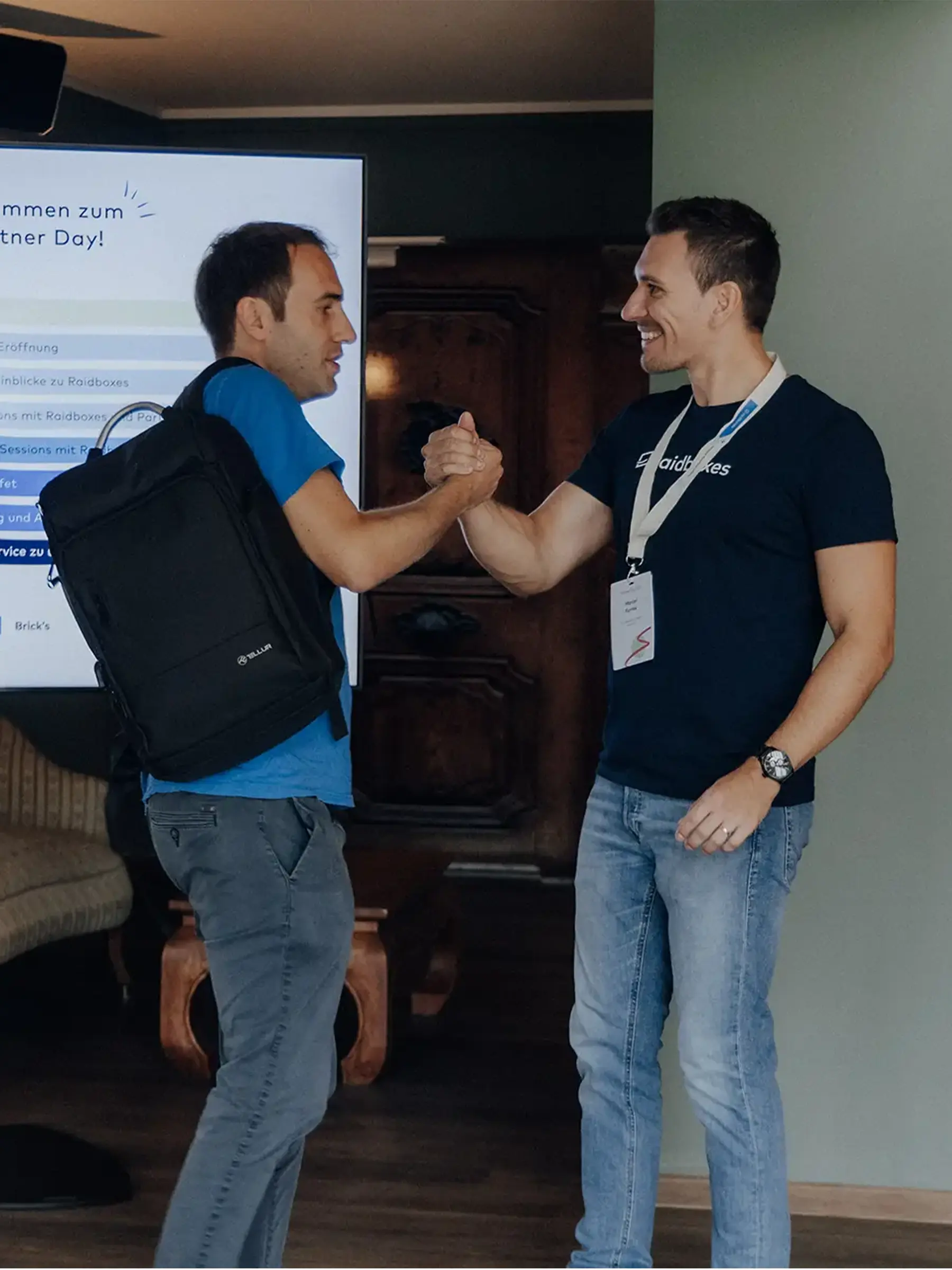
Raidboxes partner programme for hosting resellers
Become a partner for free and benefit
Our partner programme is specially tailored to your needs as an agency or freelancer. You benefit from free development time and other advantages.
- Develop WordPress projects free of charge for 90 days
- Save time with additional dashboard tools
- Personalised support
- Receive attractive commissions and discounts
Best practices for everyday agency work
Tools are only as good as the processes behind them. With the following best practices, you can establish efficient processes and ensure satisfied customers.
1. define standardised processes
Create a clear maintenance plan for all sites. Use the following cycles as a guide:
- Daily: Check security logs, scan for malware and monitor uptime. Use automated notifications so that you only have to intervene if something goes wrong.
- Weekly: Carry out backups, update plugins and themes and remove unused extensions. Briefly document changes in the respective customer project.
- Monthly: Schedule a complete security and performance analysis. Check core updates, perform a PageSpeed test and create a short report on improvements and open to-dos.
Assign people responsible for each of these time slots. This will ensure that no task is lost, even if colleagues are on holiday.
2. use automation consistently
Use the automation functions of your tools: Activate automatic core updates, set up bulk update jobs for plugins and schedule regular backups. WP Umbrella performs updates with prior backup and warns of PHP errors. ManageWP and Jetpack Manage offer 1-click logins and uptime alerts. Automation takes the pressure off your team and reduces human error.
3. clear rights management for teams and customers
Distribute access rights according to the principle of “as much as necessary, as little as possible”. Many management tools allow you to create roles for team members or customers and authorise certain functions for them. SolidWP emphasises that consistent role assignment across all sites reduces security risks. Raidboxes also makes it possible to manage multiple users via the dashboard.
4. automate reporting and strengthen customer loyalty
Instead of laboriously maintaining Excel files, you should generate automated maintenance reports. ManageWP, WP Umbrella and InfiniteWP allow you to create customised branded reports. Schedule when the reports are automatically sent to your customers by email. Take the opportunity to explain improvements and future measures – this creates transparency and trust.
Practical example: Coordinating updates in a team
Let’s assume you manage 15 WordPress websites with five colleagues. You set a weekly update window via your management tool. Each colleague is responsible for one week of the month. Before the update, the tool automatically activates a backup, after which the website is briefly checked. The update status is shared in a common Slack channel. This way, everyone knows whether an update was successful or whether a site has gone online with a problem. This simple template reduces the response time enormously and prevents duplication of work.
The key to more efficiency when managing multiple WordPress sites
Managing multiple WordPress sites sounds like chaos, but it doesn’t have to be. The challenges can be overcome with the right tools and processes. A centralised dashboard with single sign-on, automated updates, reliable backups and monitoring drastically reduce manual effort. White label reporting strengthens communication with your customers.
Instead of focussing exclusively on WordPress Multisite, you should take a look at the practical software solutions that have been specially developed for agencies. Whether ManageWP, WP Umbrella, MainWP, InfiniteWP or Jetpack Manage – they all offer advantages and disadvantages. Specialised hosting partners such as Raidboxes complement these software solutions with high performance, security and support.
Frequently asked questions about managing multiple WordPress websites (FAQ)
Which tools help with managing multiple WordPress sites?
Popular management tools such as ManageWP, MainWP or WP Umbrella offer centralised dashboards, automated plugin updates, backups and user management. This makes managing multiple WordPress websites a breeze and significantly improves the user experience for administrators.
How can you automate reporting for WordPress customers?
Tools such as CMS Commander or WP Remote can be used to create customised reports. These management tools bundle updates, security and performance into clearly organised categories. Customers receive professional messages about plugin updates, theme updates and the growth of their websites.
Is it worth investing in a multi-site management tool?
Yes, because the advantages are obvious: automated updates, simple network setup, less manual effort and better security. Especially for agencies with many domains, a centralised dashboard saves enormous resources and improves the user experience.
How can I manage multiple WordPress websites at the same time?
The most efficient way to manage multiple websites is with a central dashboard. This is where you control plugins, backups and security via a shared network. With a good security plugin and clear instructions, administration is much easier and saves valuable time.
Sign up for the Raidboxes newsletter!
We’ll send you the latest WordPress insights, business tips, and more once a month.


Leave a Reply